01
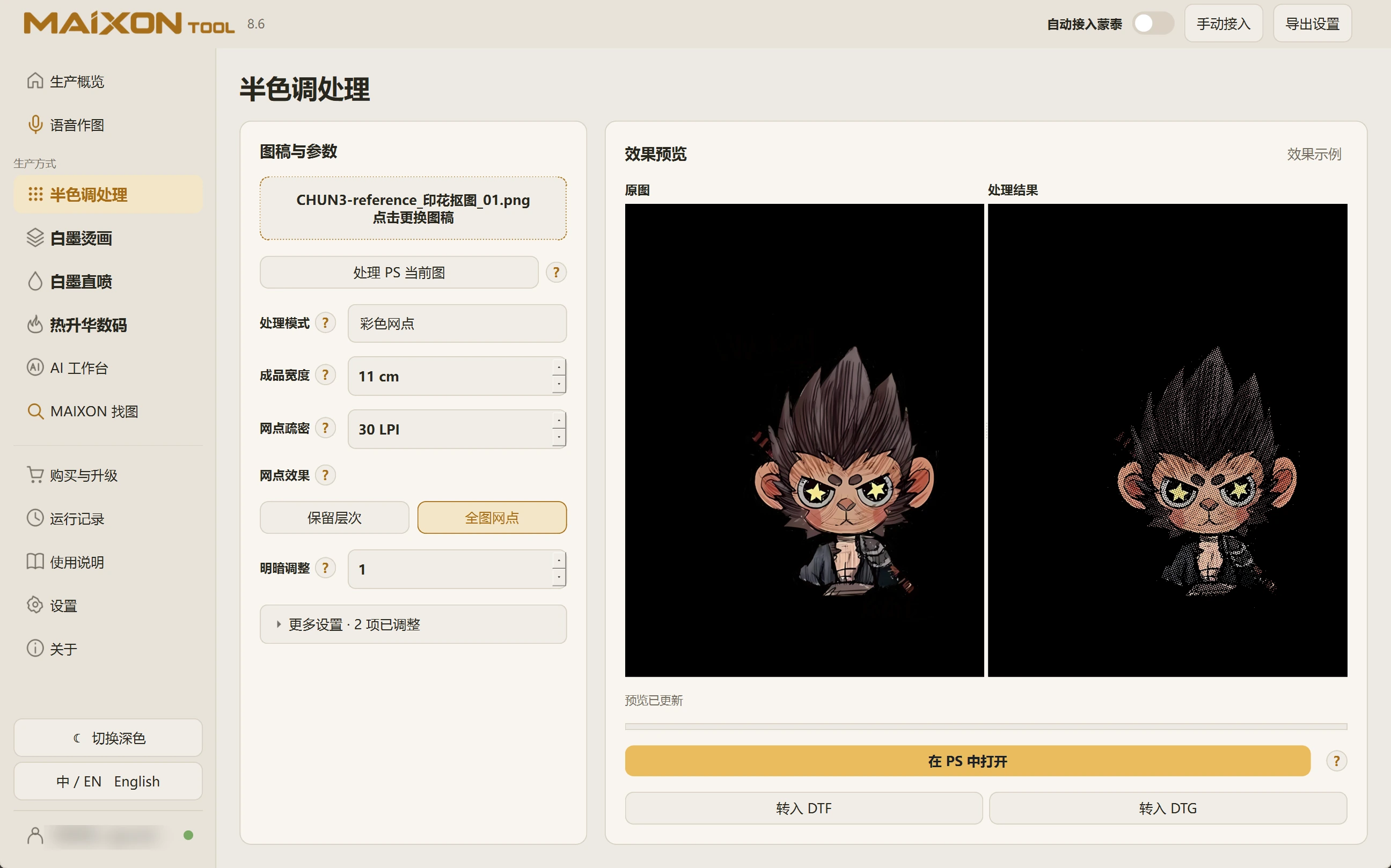
Load the artwork and choose a mode.
Import a file or use the current Photoshop image. Confirm its content before choosing the processing mode.
If transparency is needed, remove the background in the AI Workbench and save a transparent image first.
02
Compare the dot effects.
Switch between tone-preserving and full-image dots, observing highlights, shadows and details. Consider output width and dot density together.
Refine the settings, then inspect the artwork at its physical output size in Photoshop.