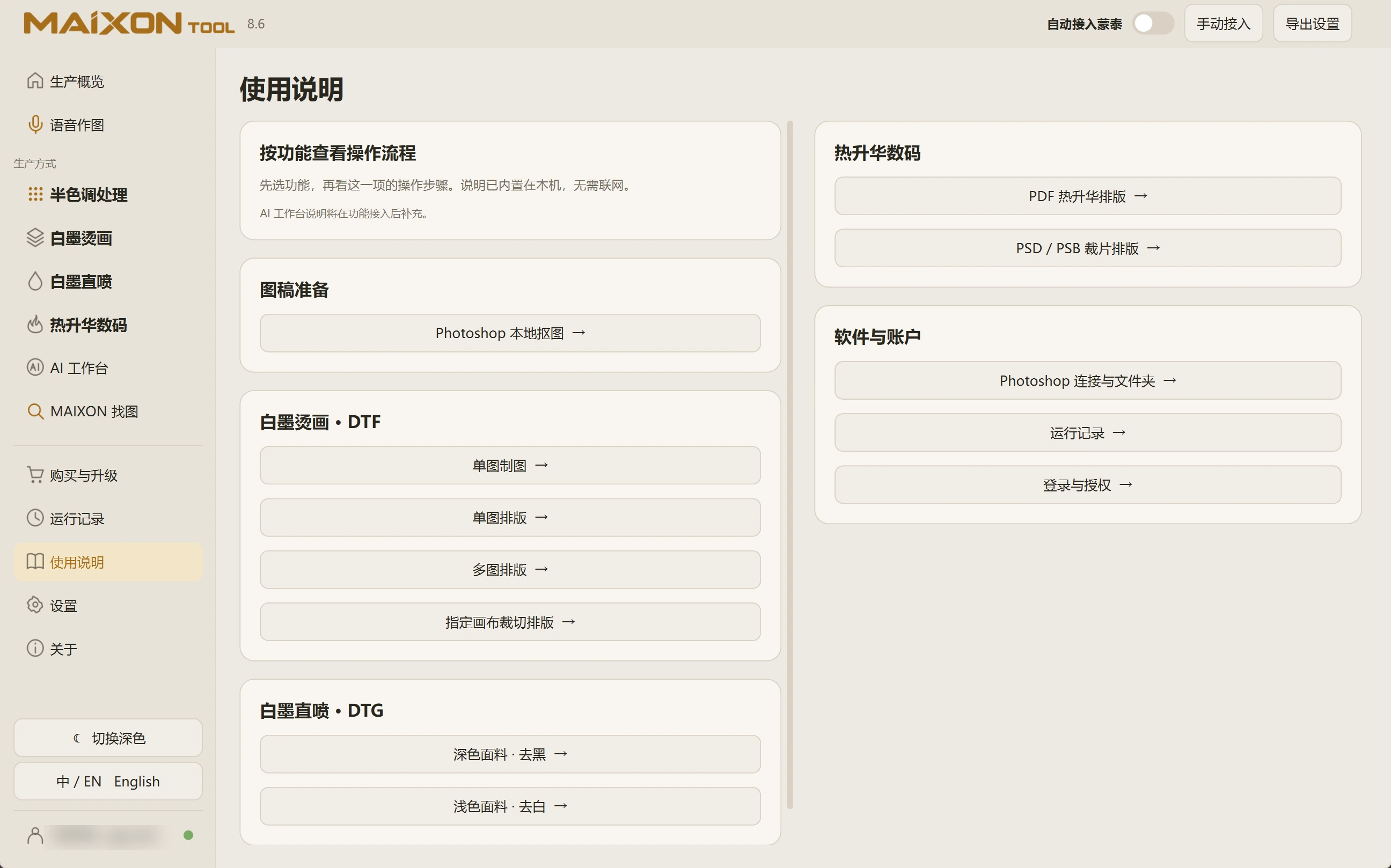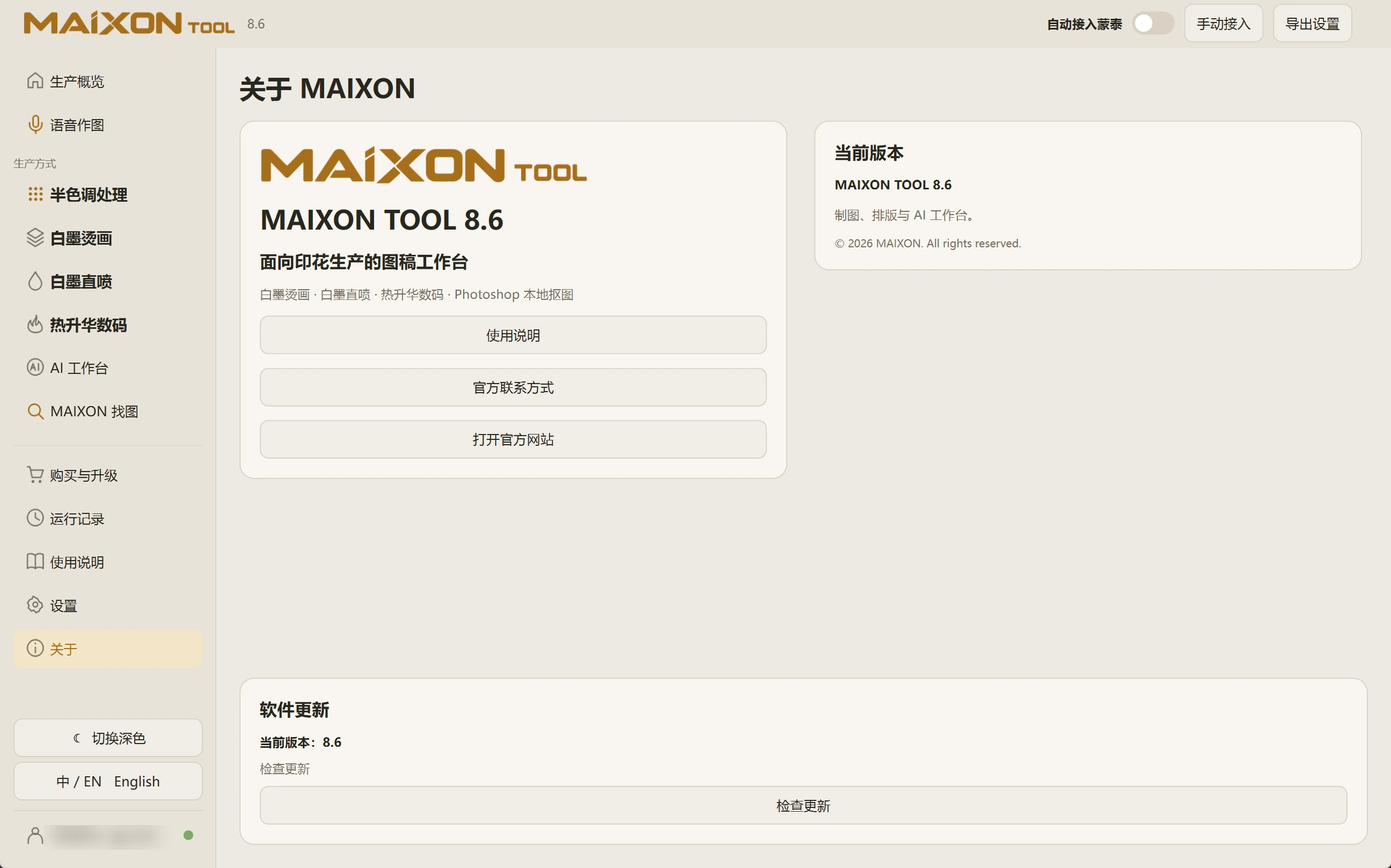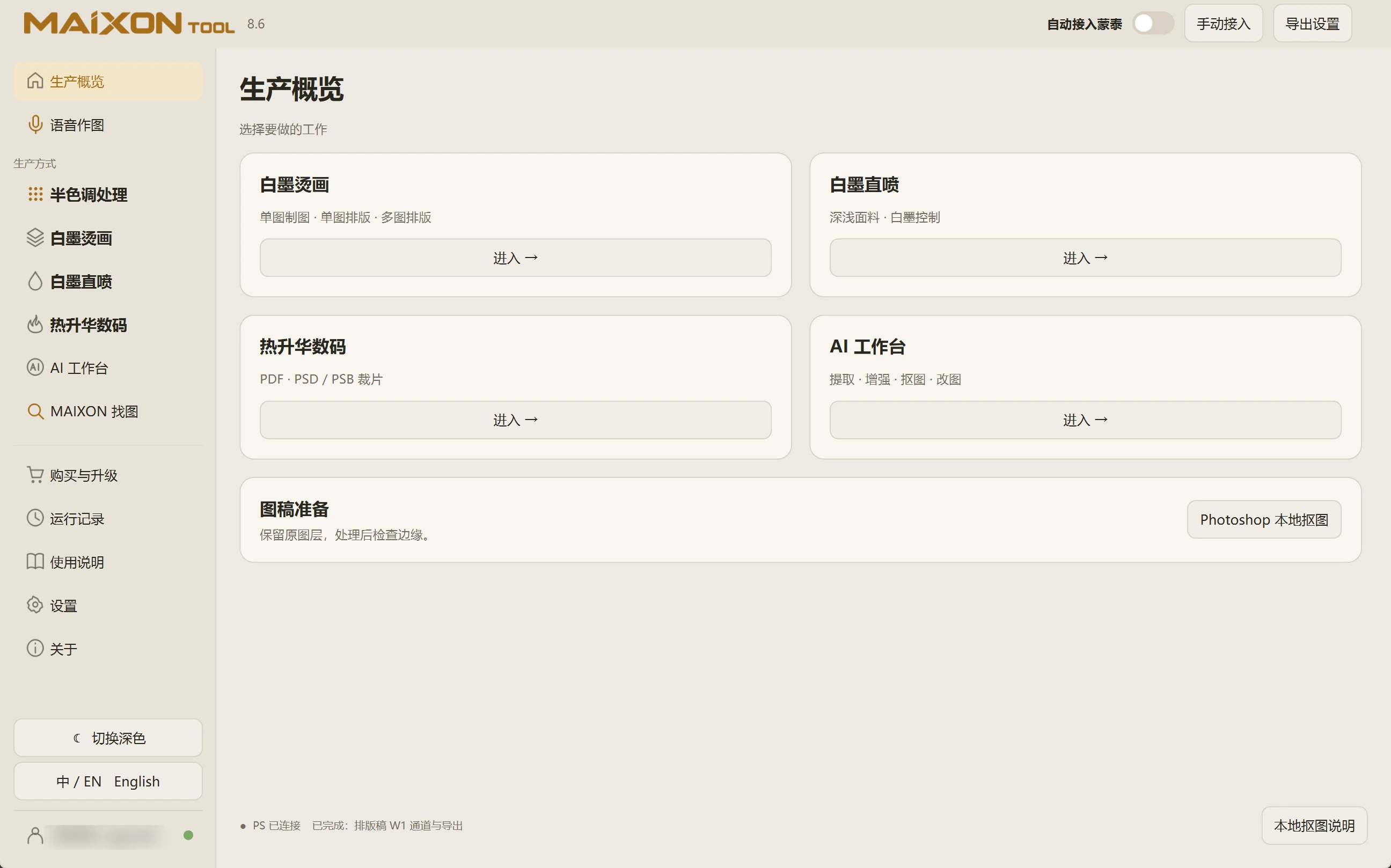
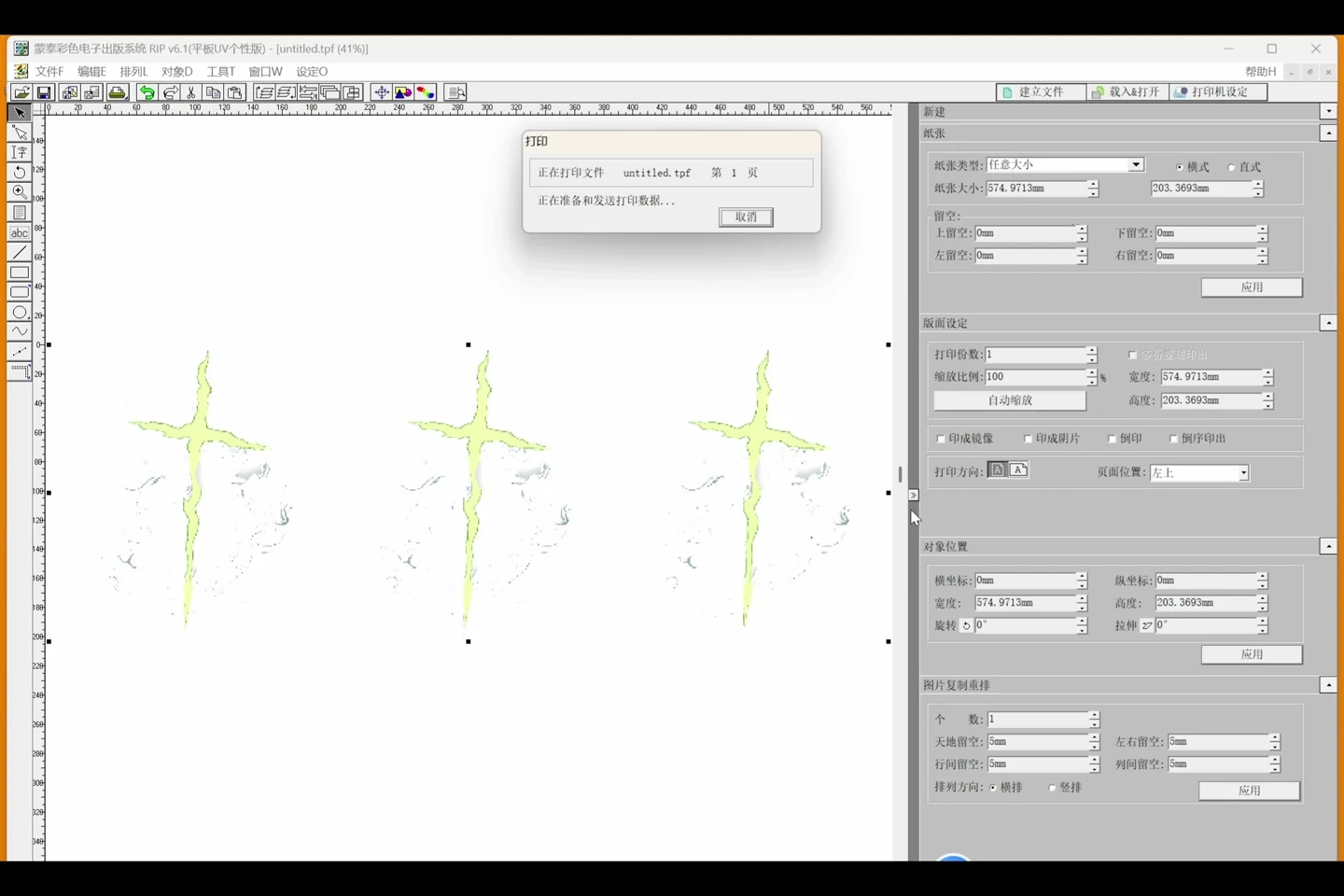
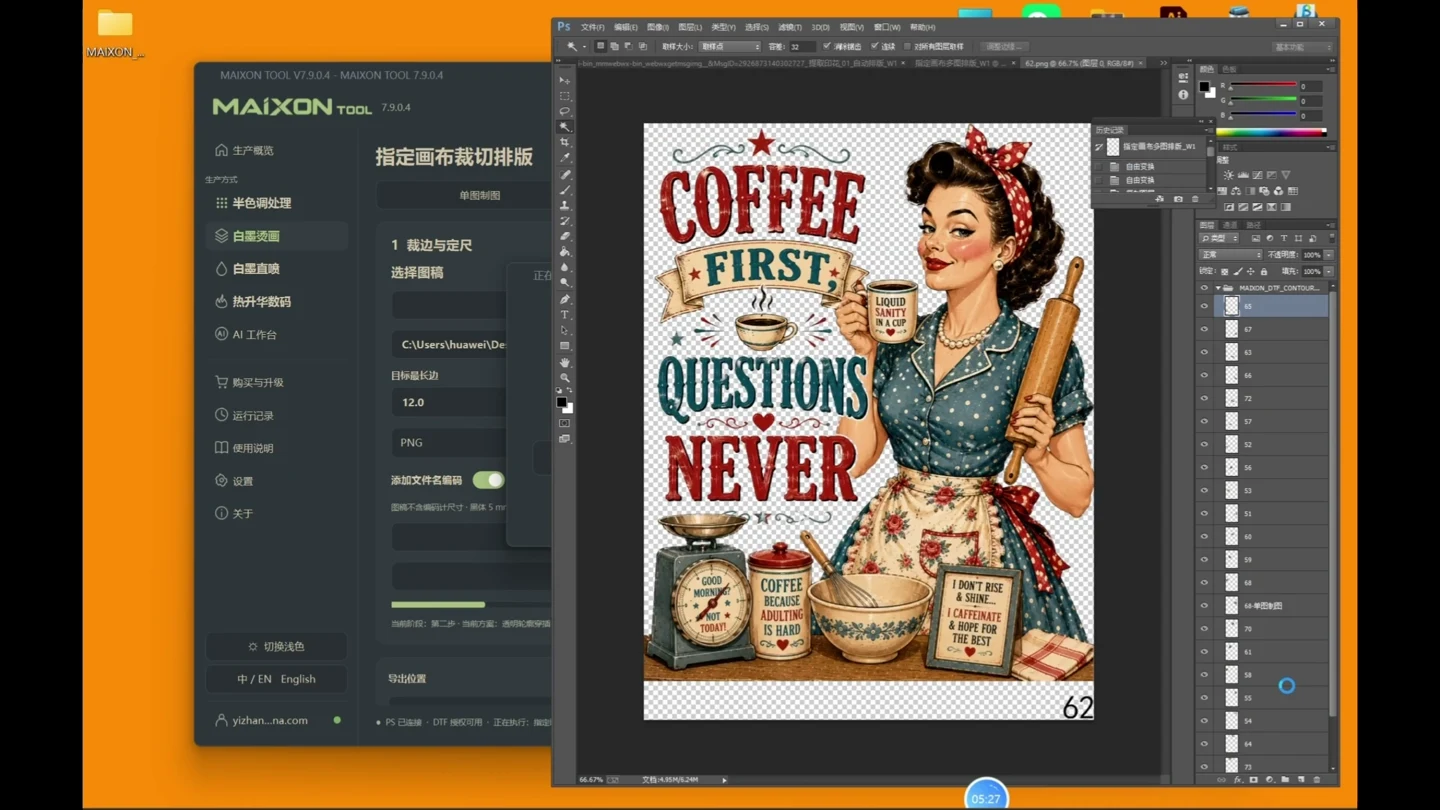
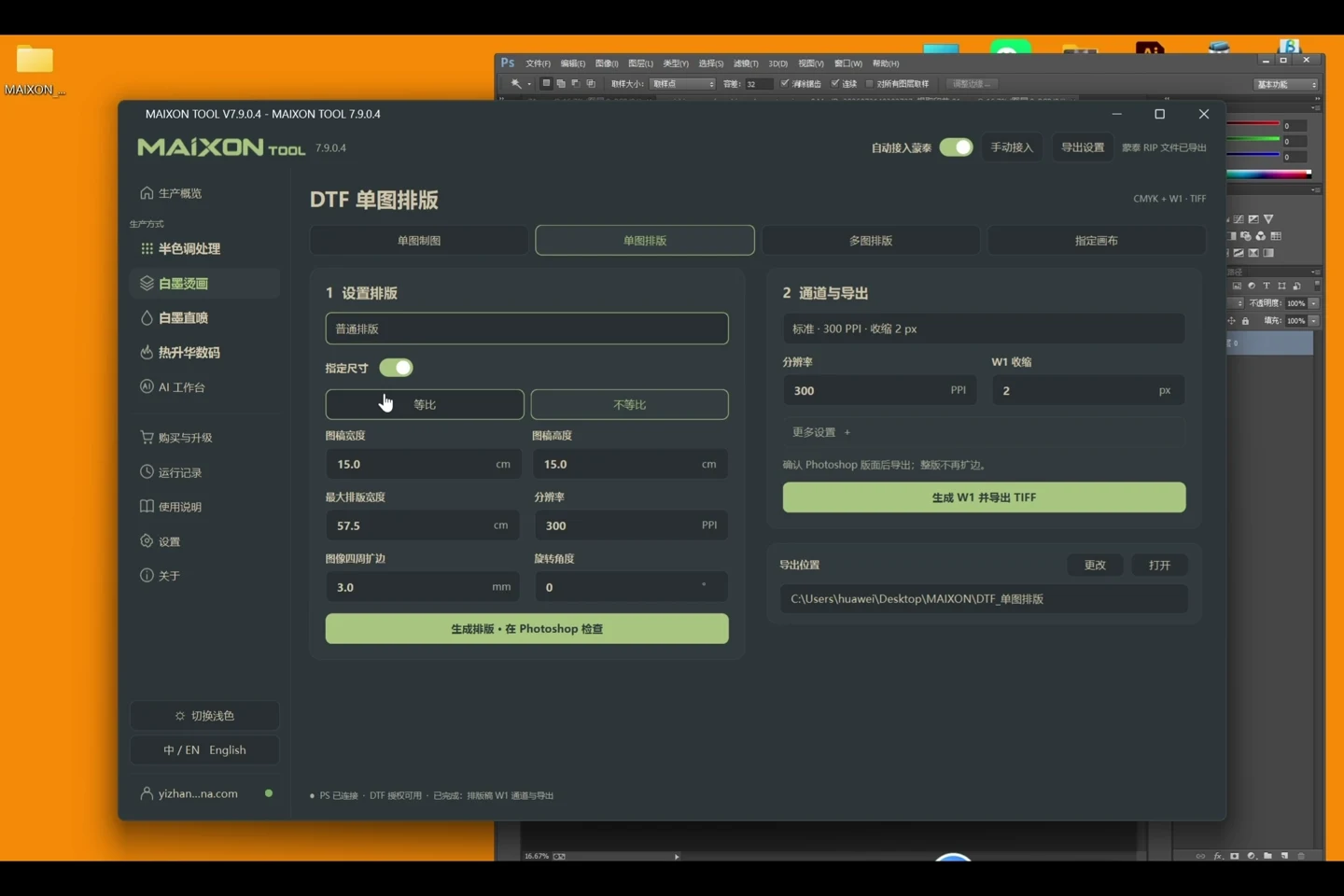
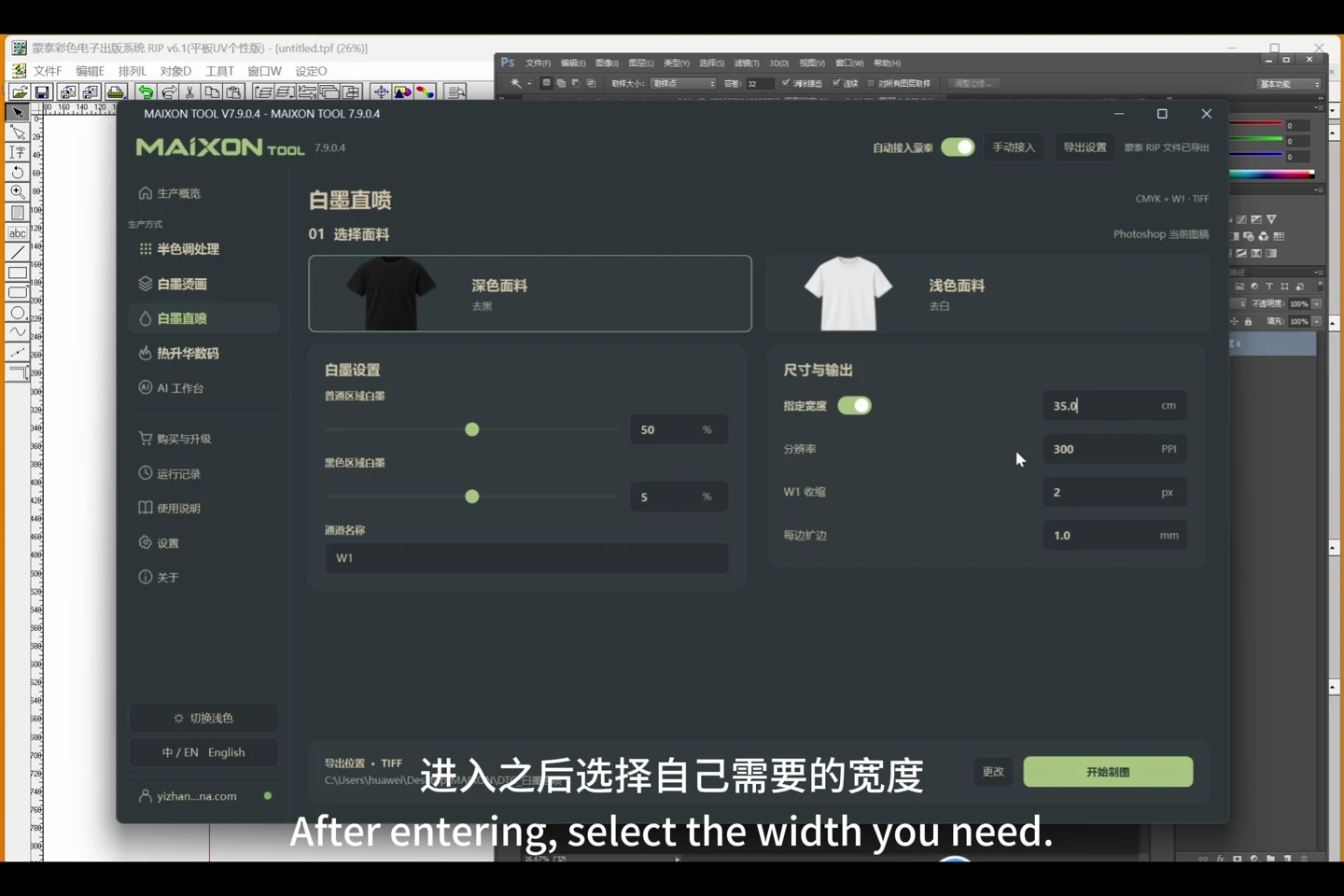
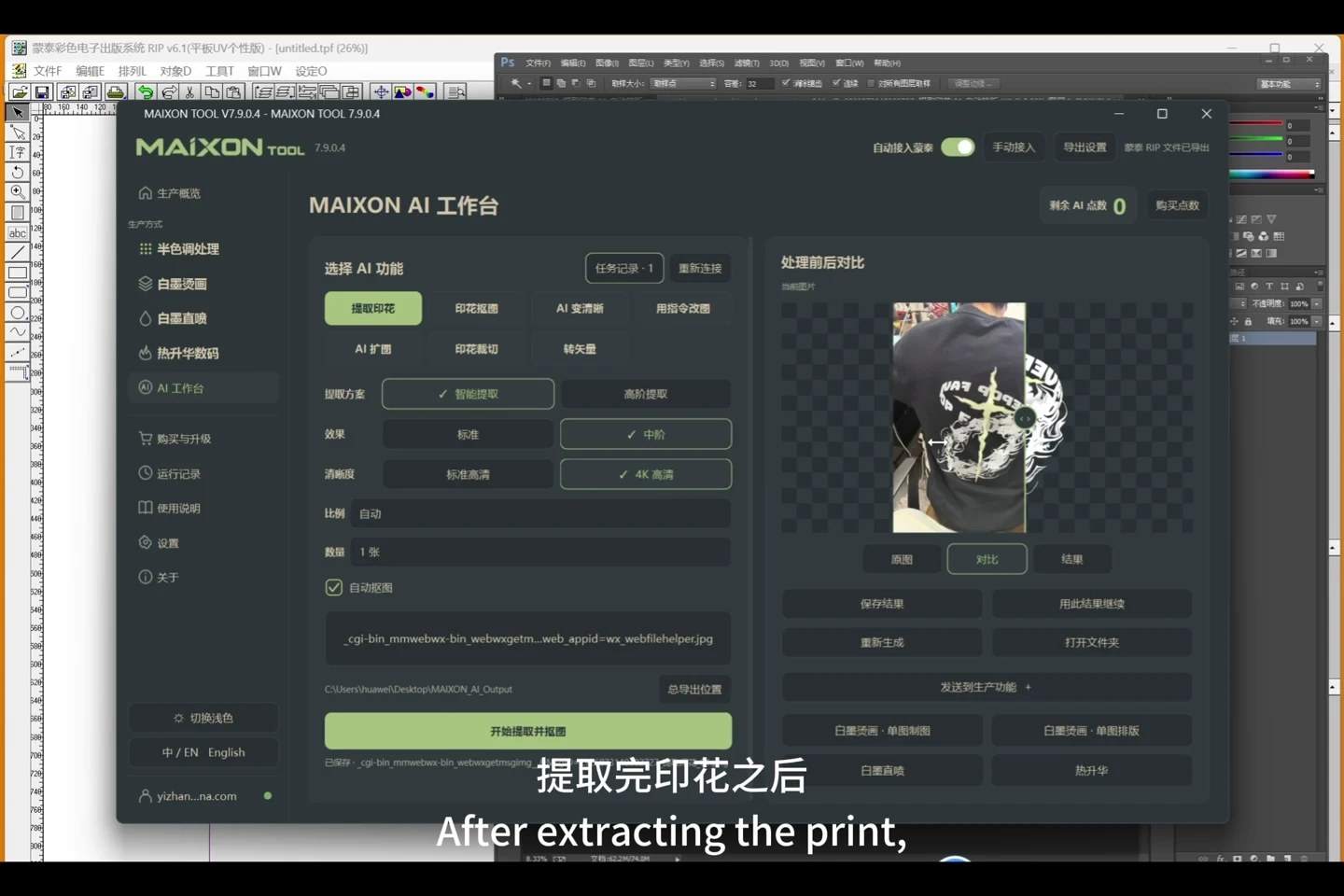
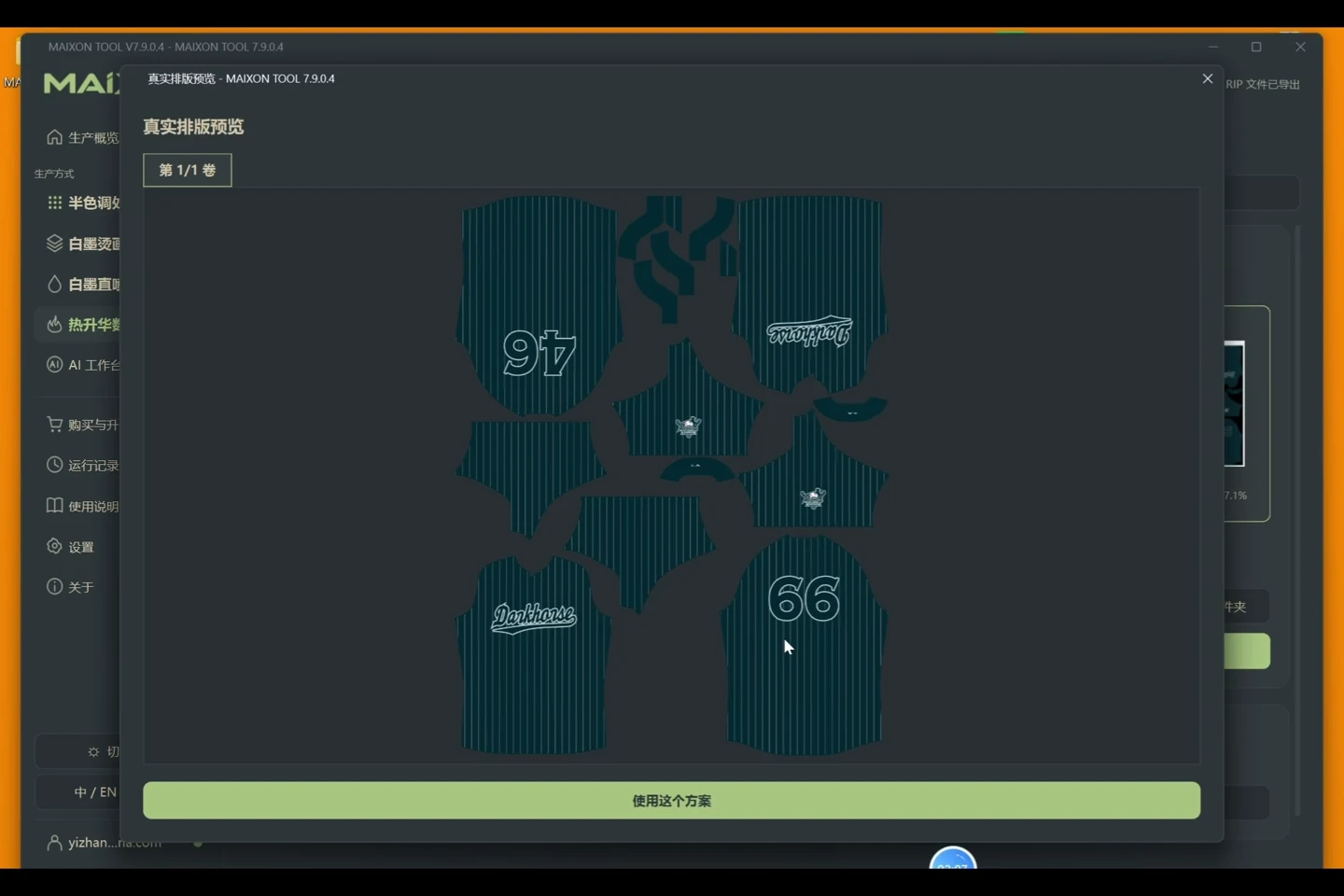
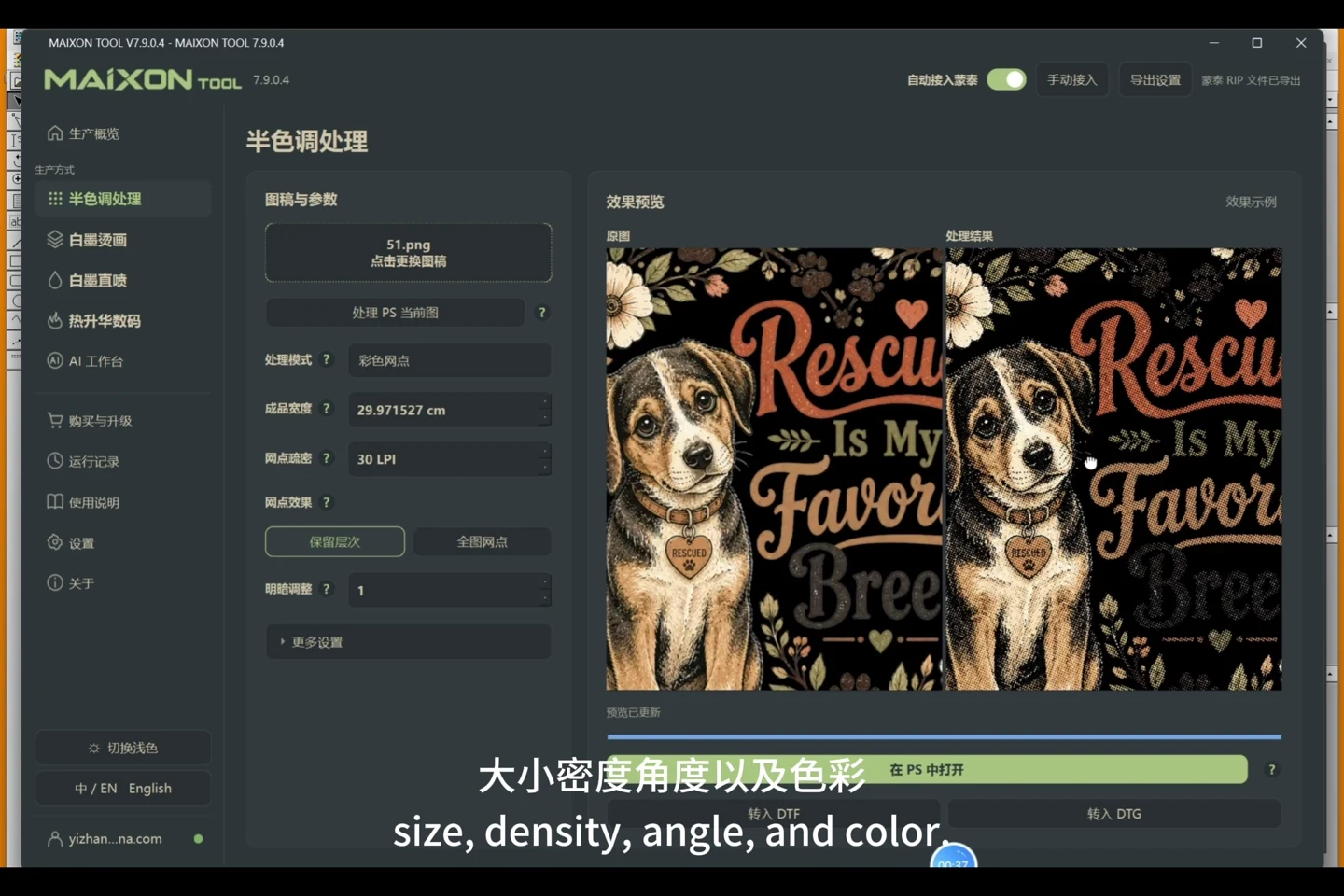
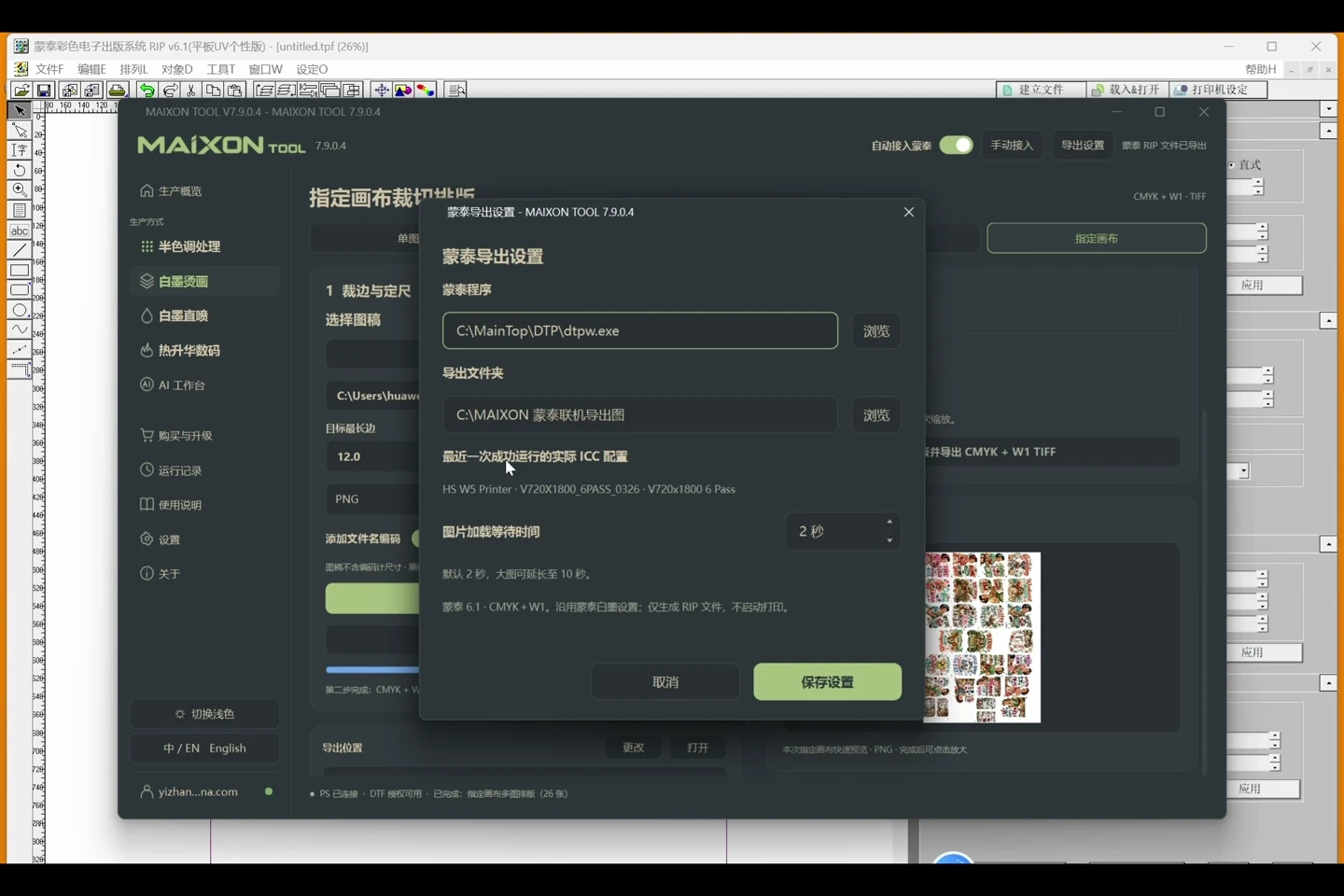
MAIXON TOOL V8.6

Every step.
Clearly explained.

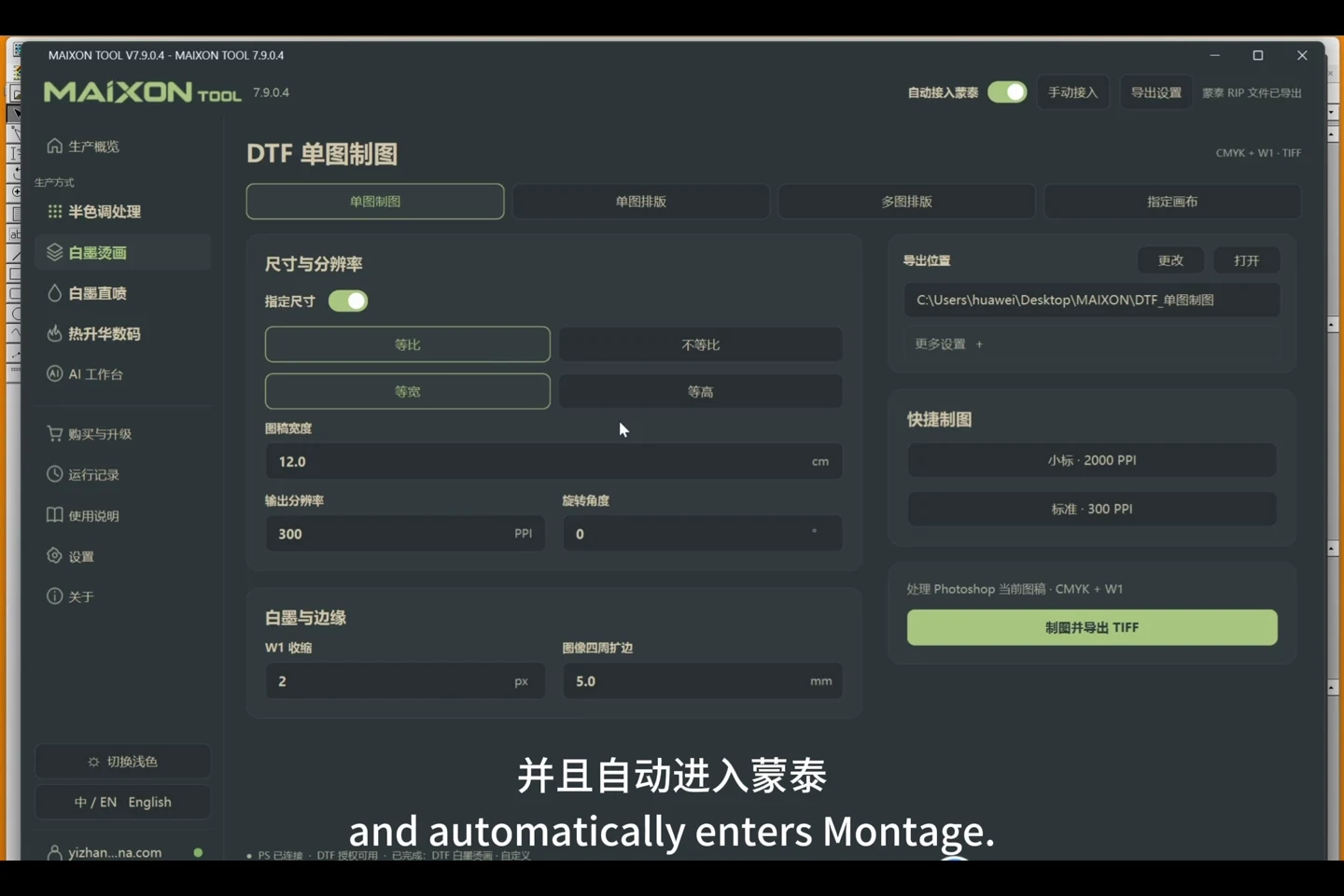
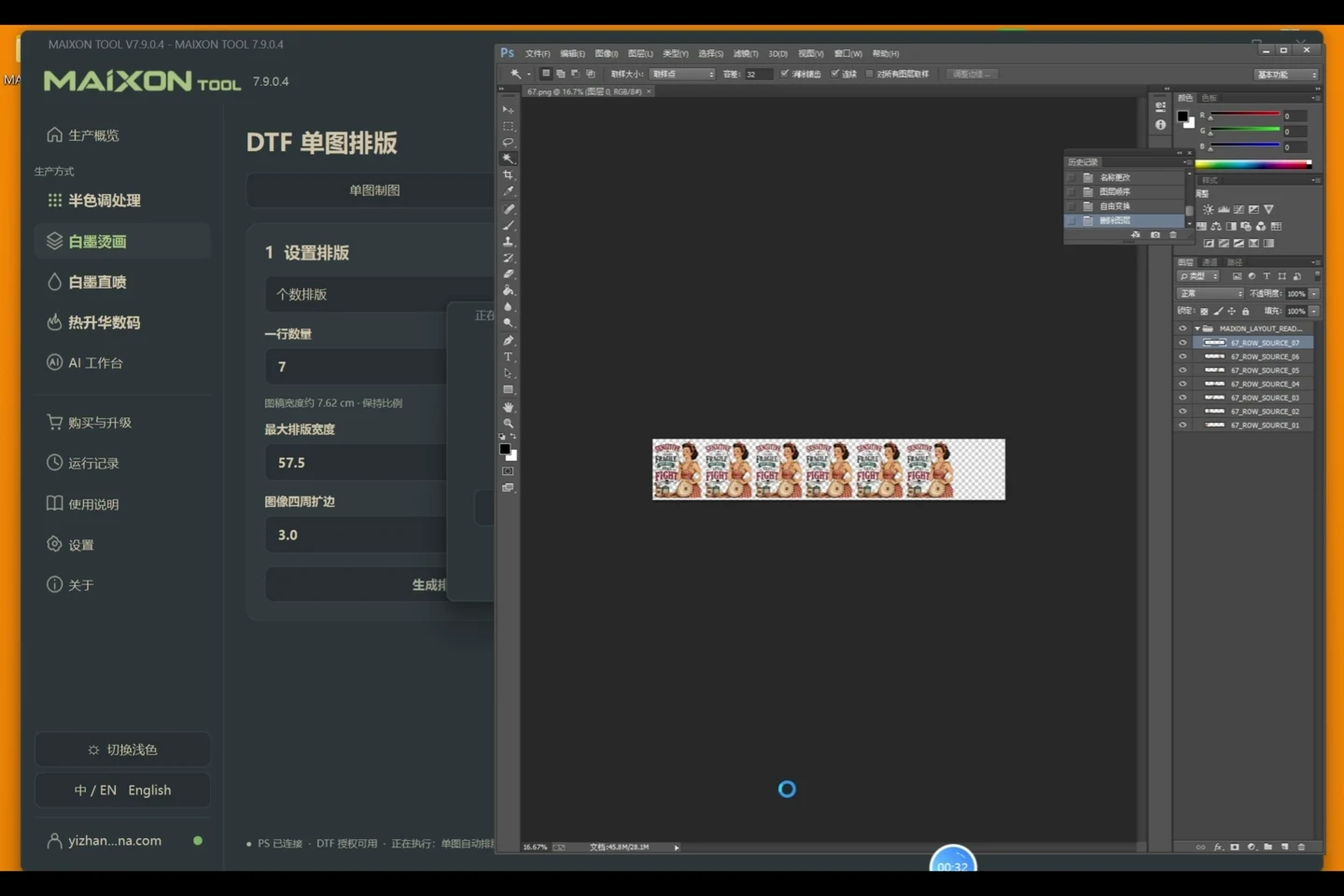
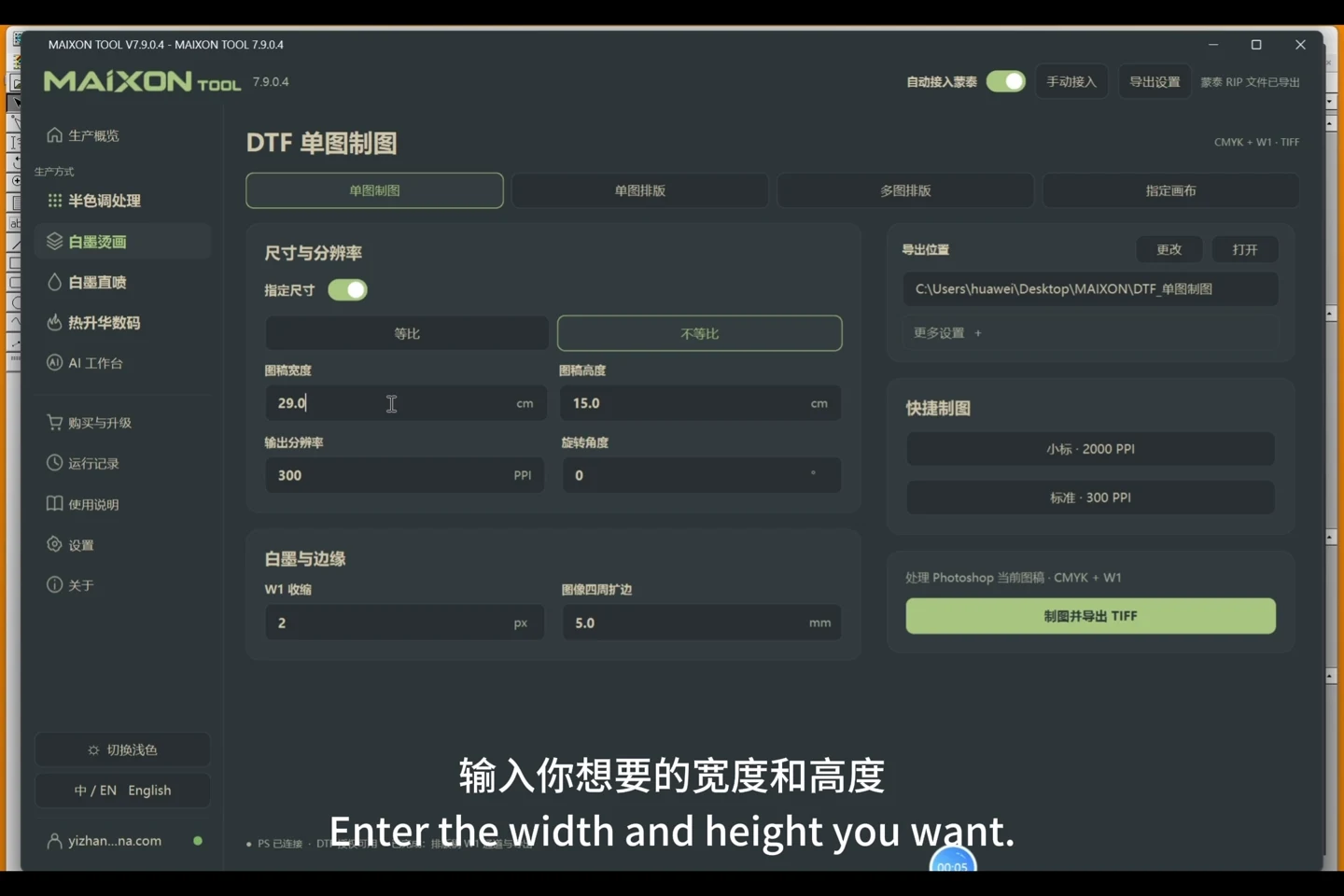
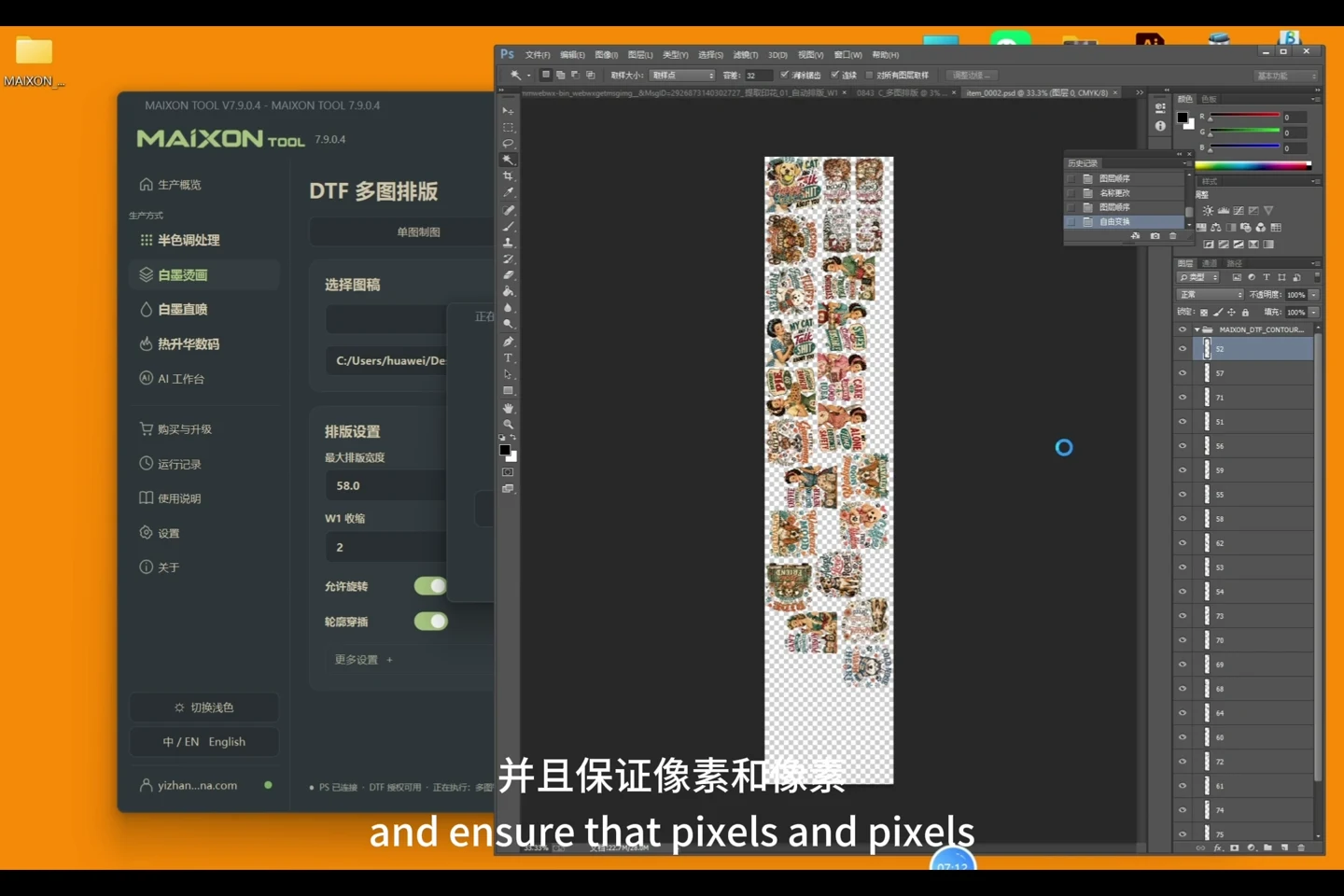
From finding an image to exporting a production file. Explore the controls, key settings and steps in one connected workflow.

MAIXON TOOL V8.6 tour-overview — light interface
MAIXON TOOL V8.6

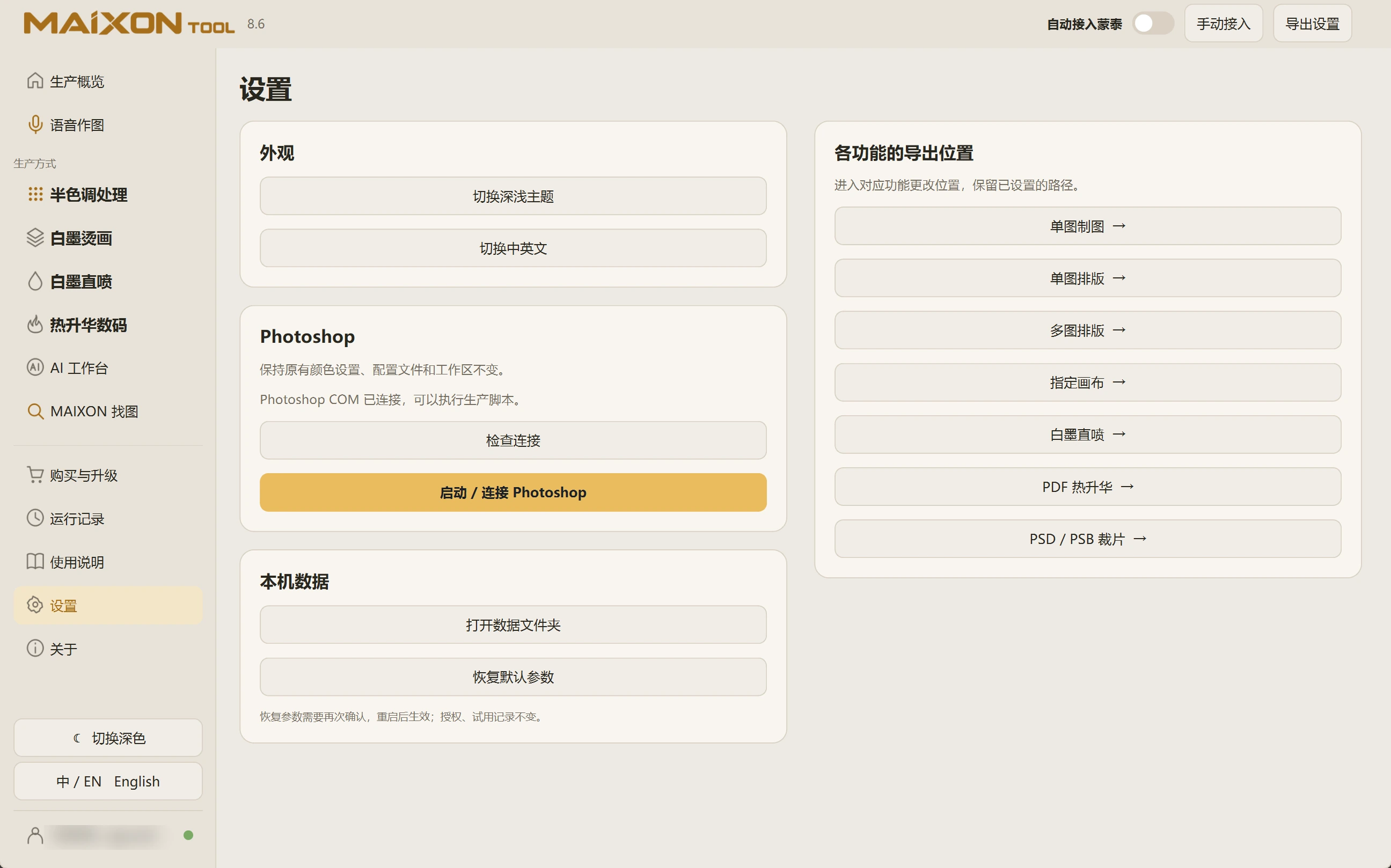
Connect your workspace first.

  1. Confirm the Photoshop path and connection in Settings before using Photoshop-based production tools.
  2. Use a dedicated output folder and keep the original artwork.
  3. Check the account, module license and AI credits separately.
  4. Check size, white ink, color and RIP preview before a physical print sample.
Choose your operating system

Select the version that matches your computer.

  1. 01

    Windows 7

    V8.3

    Download
  2. 02

    Windows 10

    V8.3

    Download
  3. 03

    Windows 11

    V8.3

    Download
  4. 04

    macOS

    Coming Soon