01
Choose the artwork first.
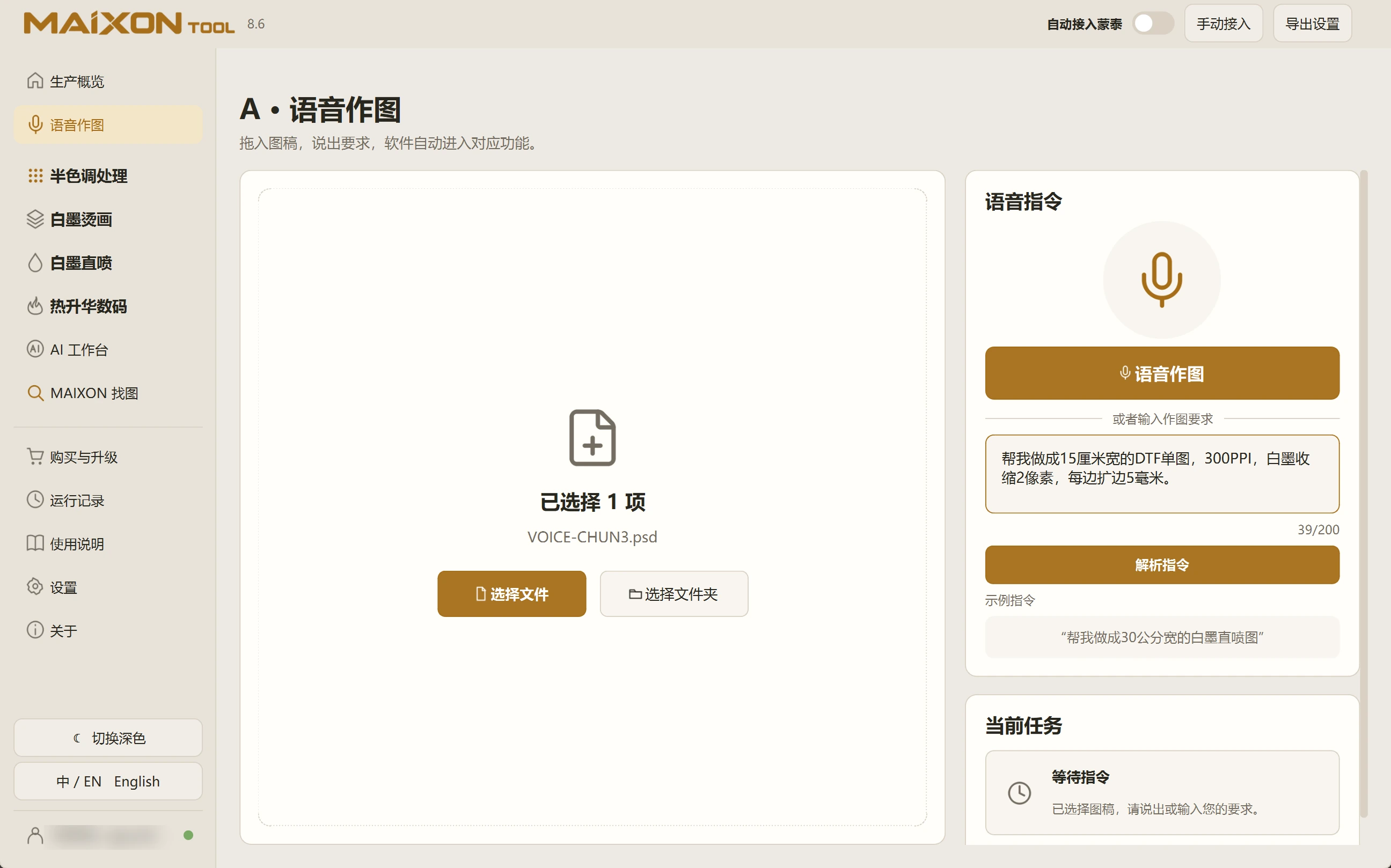
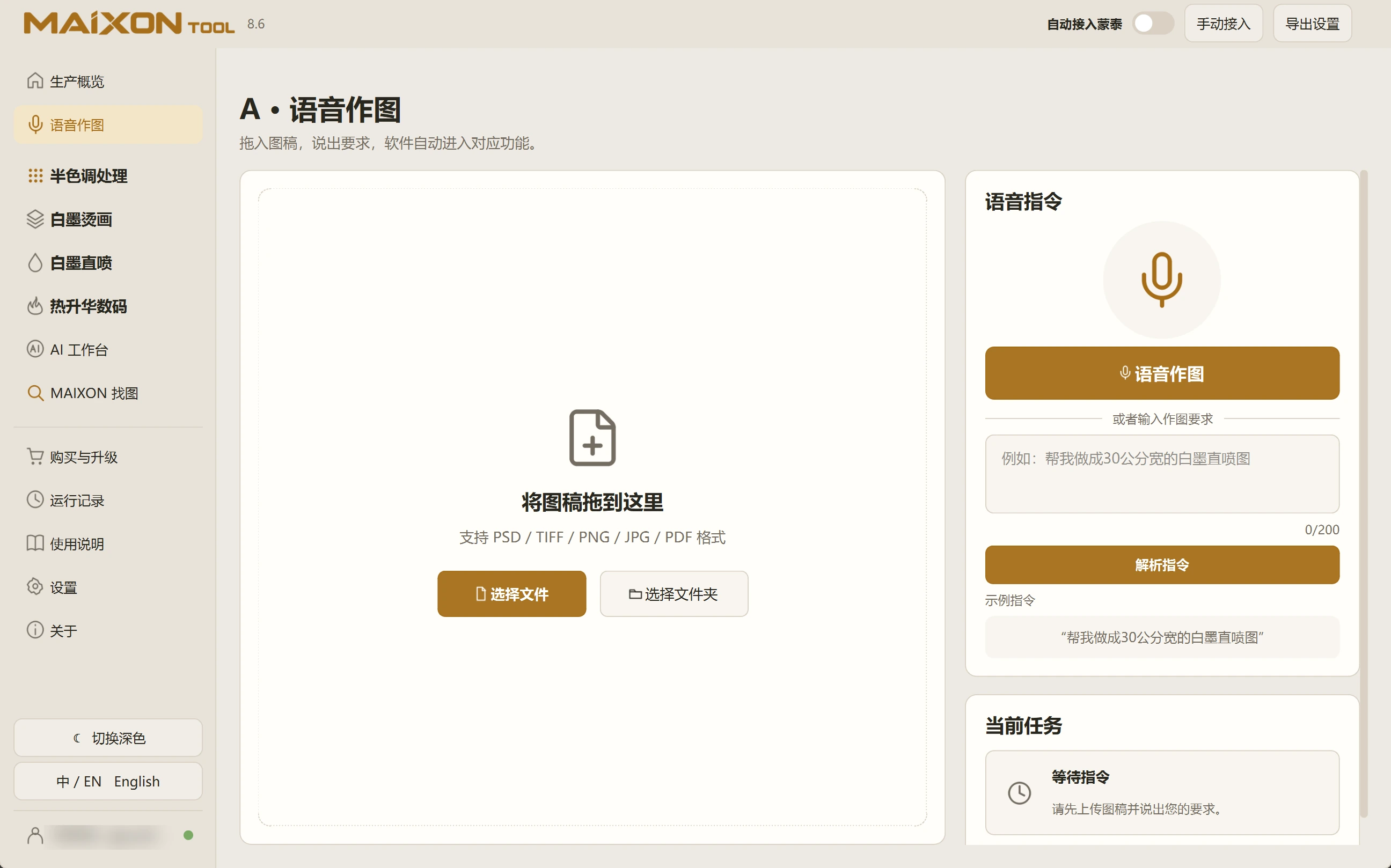
Drag in artwork or select a file or folder. Confirm the input, then use the Voice Commands control.
Name the operation and size, such as a 30 cm wide DTG print. Include values and units for resolution, white-ink choke and margins when needed.
02
Review the recognized text.
Check numbers, width or height, and units. Correct the text before parsing the instruction.
Use typed instructions when speaking is inconvenient. After parsing, review the task card before confirming execution.