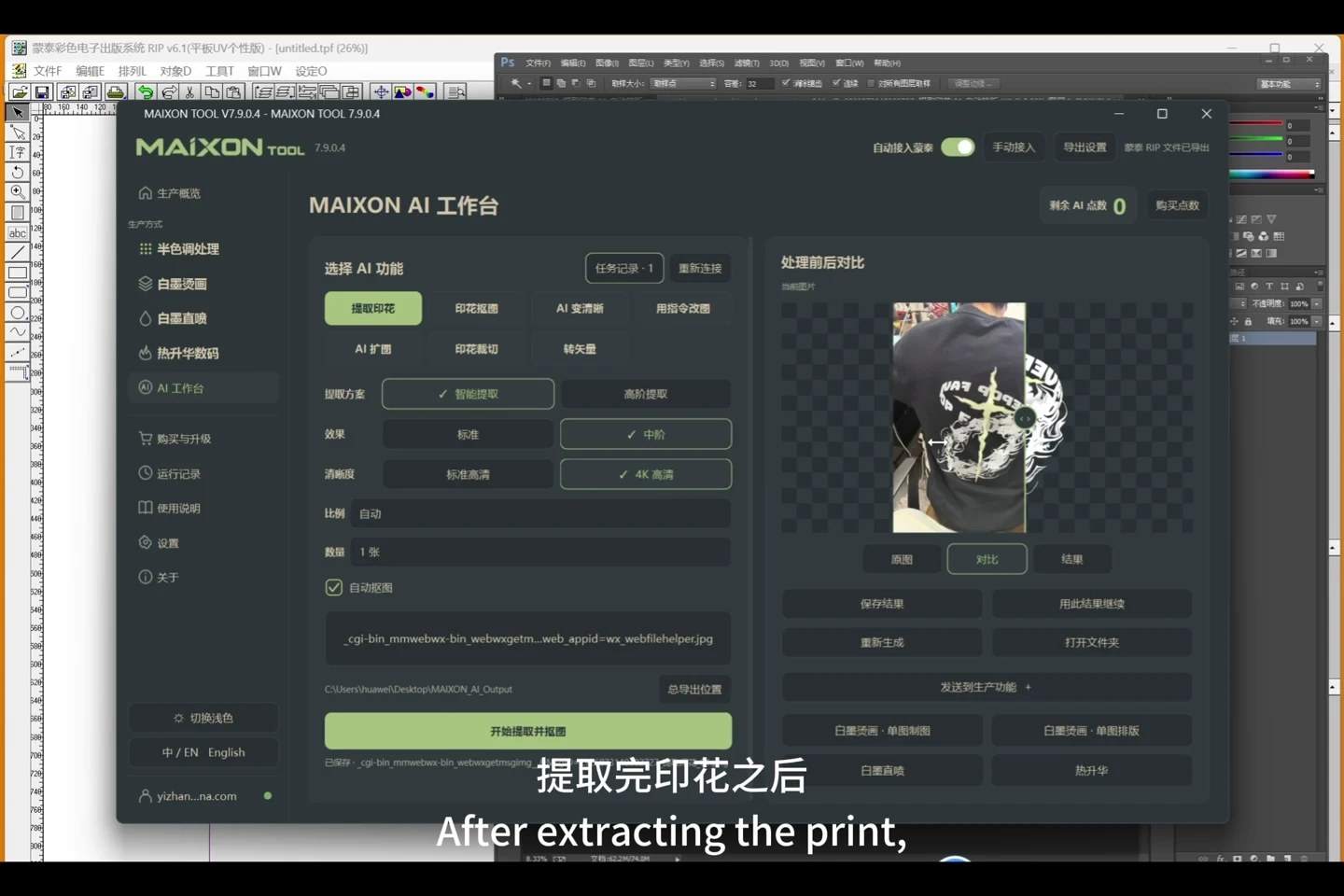
Artwork, white ink and MainTop. Connected.
- Continue into DTG from Photoshop artwork or an AI result.
- Choose the fabric, set white ink independently for regular and black regions, then review size and edges.
- Enable automatic MainTop integration to continue after artwork processing.
- Inspect the job and output, then complete the checks required by your fabric and equipment.
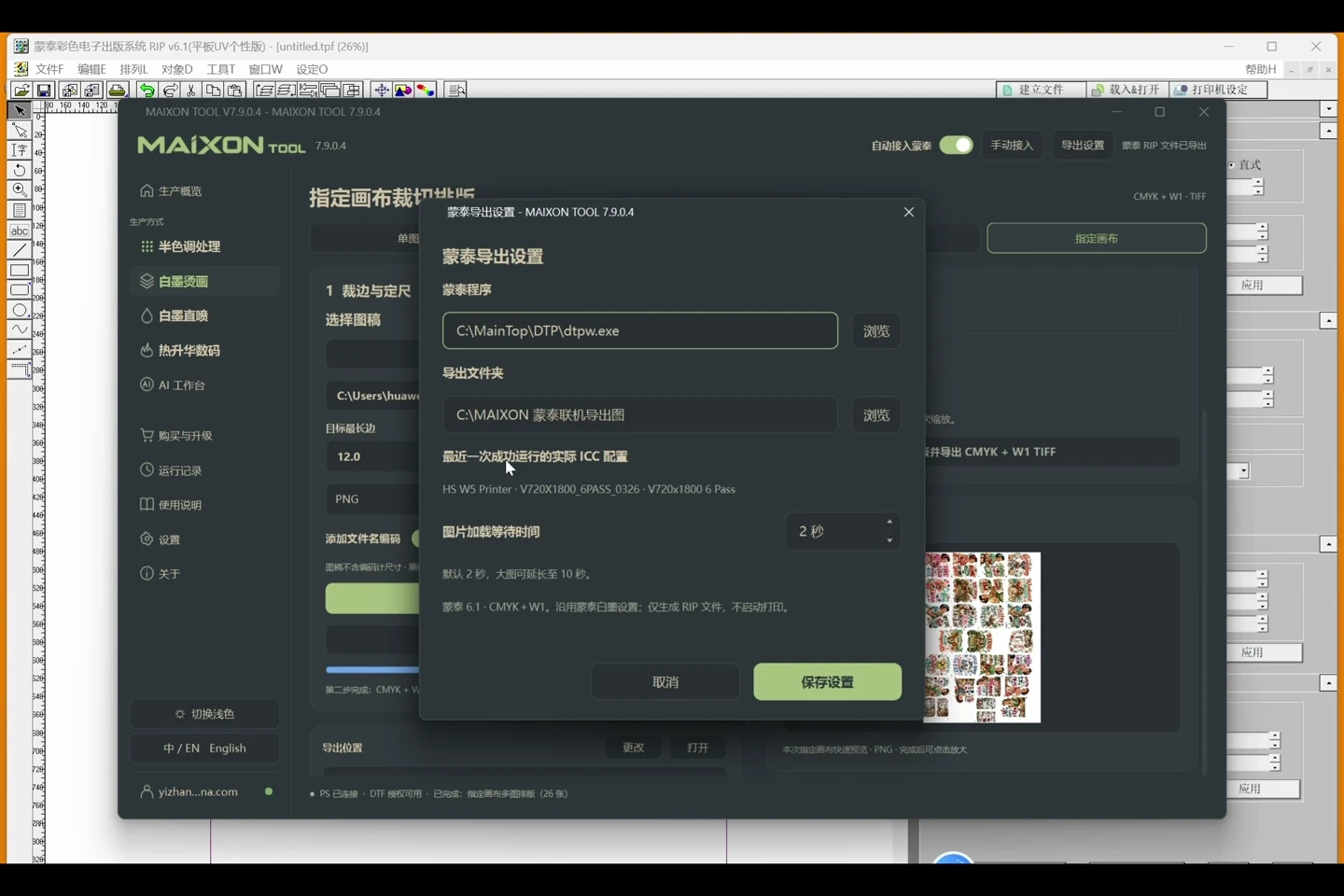
Configure first, then enable.
Open the settings beside automatic MainTop integration. Confirm the detected program, output folder and ICC configuration, then enable integration. Review artwork, dimensions and output after each task.