MAIXON × MainTop

Before Print.
Let preparation flow.

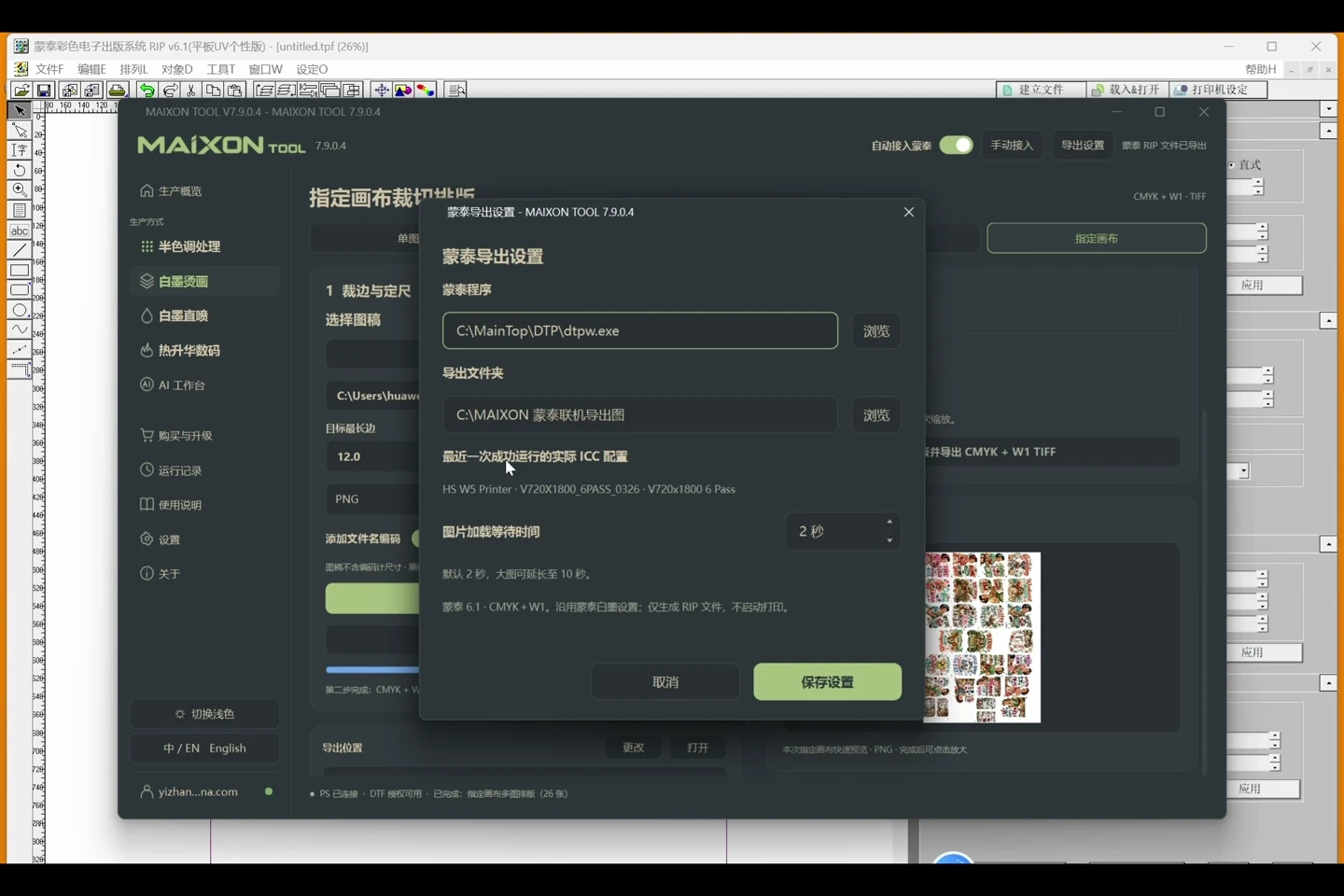
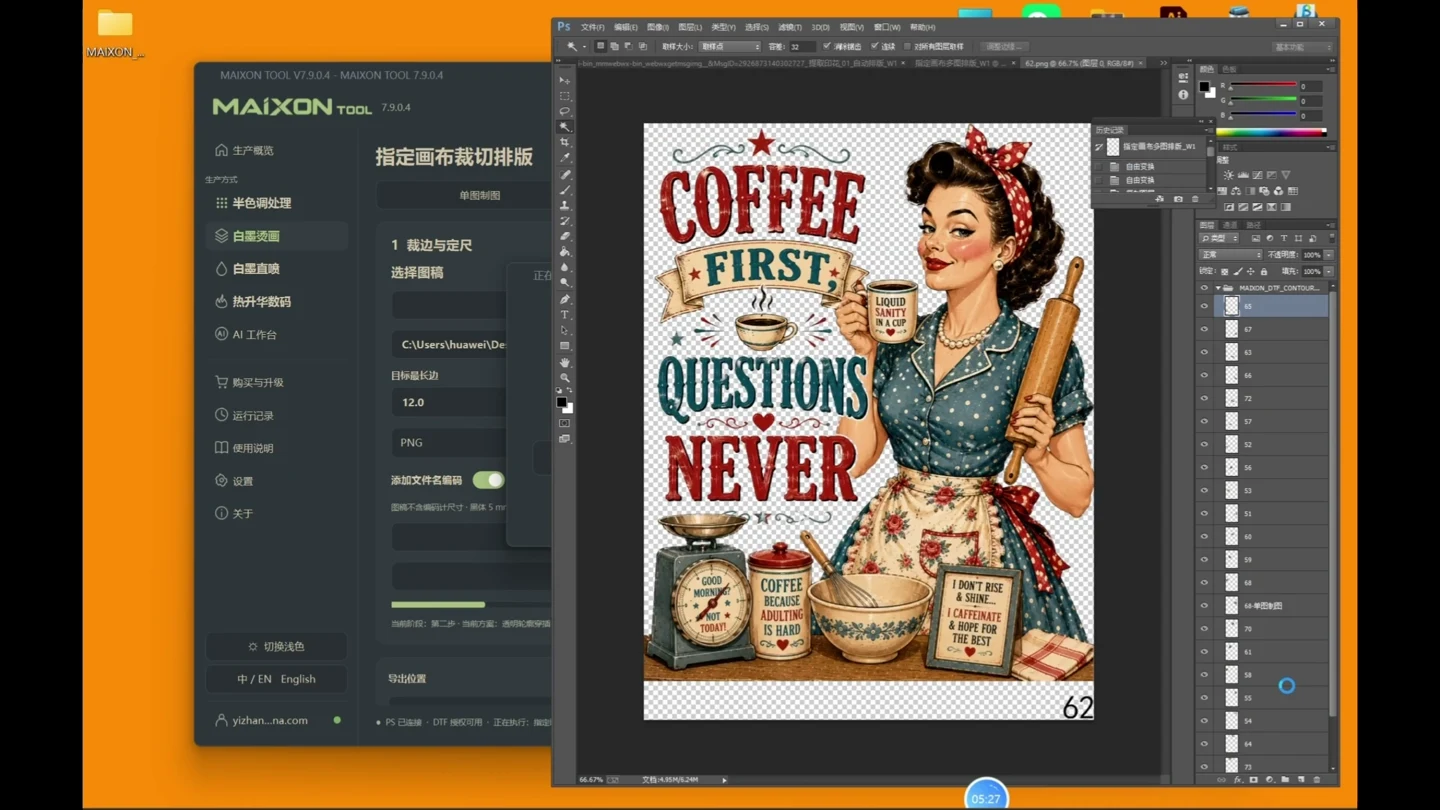
From AI artwork to white ink, layouts and file output, then automatically into MainTop. Connect the repeated steps and focus on production.

From AI artwork to layout and MainTop1:11

From artwork to the step before printing.

  1. Prepare the image, dimensions and white ink in MAIXON
  2. Complete the layout, export and inspect the production file
  3. Automatically continue into MainTop
  4. Review the job in the printer software, then press Print

Connected workflows for DTF and DTG.

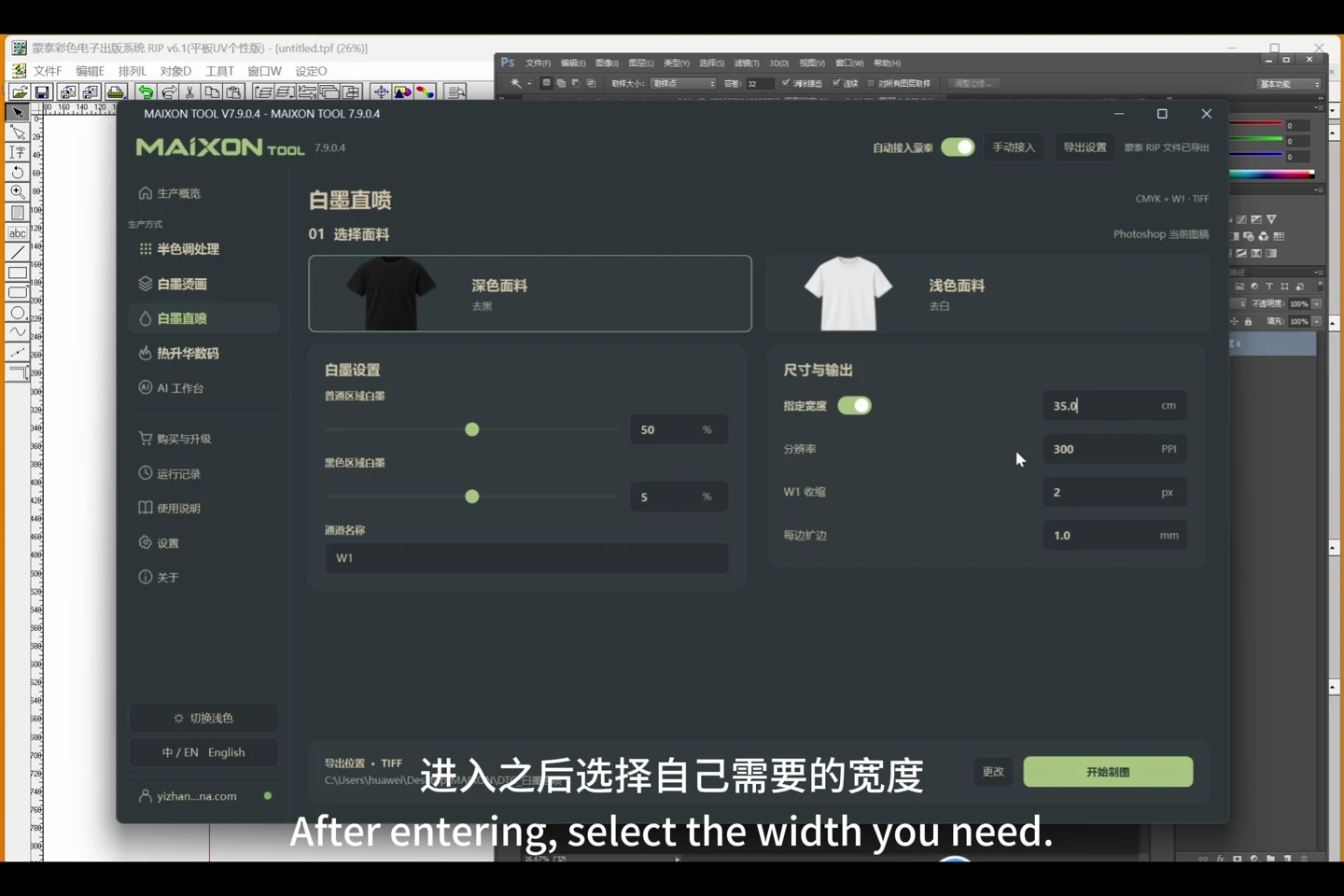
DTF can start from one image or a completed sheet. DTG uses fabric and white-ink settings. Configure MainTop first, then enable automatic integration in the production module.
Choose your operating system

Select the version that matches your computer.

  1. 01

    Windows 7

    V8.3

    Download
  2. 02

    Windows 10

    V8.3

    Download
  3. 03

    Windows 11

    V8.3

    Download
  4. 04

    macOS

    Coming Soon