
DTG

AI artwork to DTG and MainTop

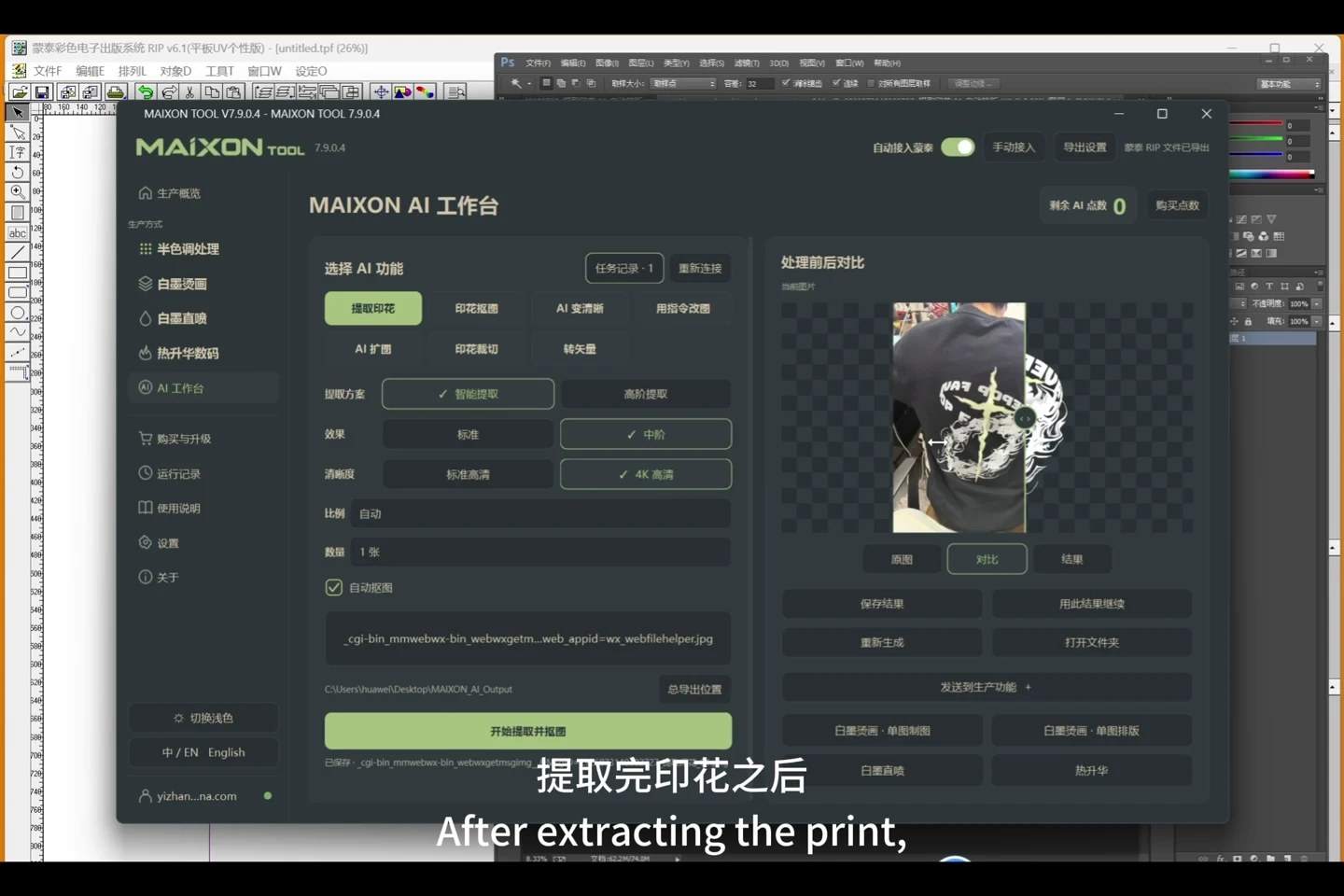
Continue from the AI Workbench into DTG, choose the fabric and white-ink settings, then automatically pass the finished artwork to MainTop.

AI artwork to DTG and MainTop0:52

Follow the workflow, step by step.

  1. Prepare artwork in the AI Workbench and continue into DTG.
  2. Choose the fabric workflow and review size and white-ink settings.
  3. Enable automatic MainTop integration and start processing.
  4. Check MainTop progress, the output and the corresponding print job.
Choose your operating system

Select the version that matches your computer.

  1. 01

    Windows 7

    V8.3

    Download
  2. 02

    Windows 10

    V8.3

    Download
  3. 03

    Windows 11

    V8.3

    Download
  4. 04

    macOS

    Coming Soon