
01
Find the local storage folder.
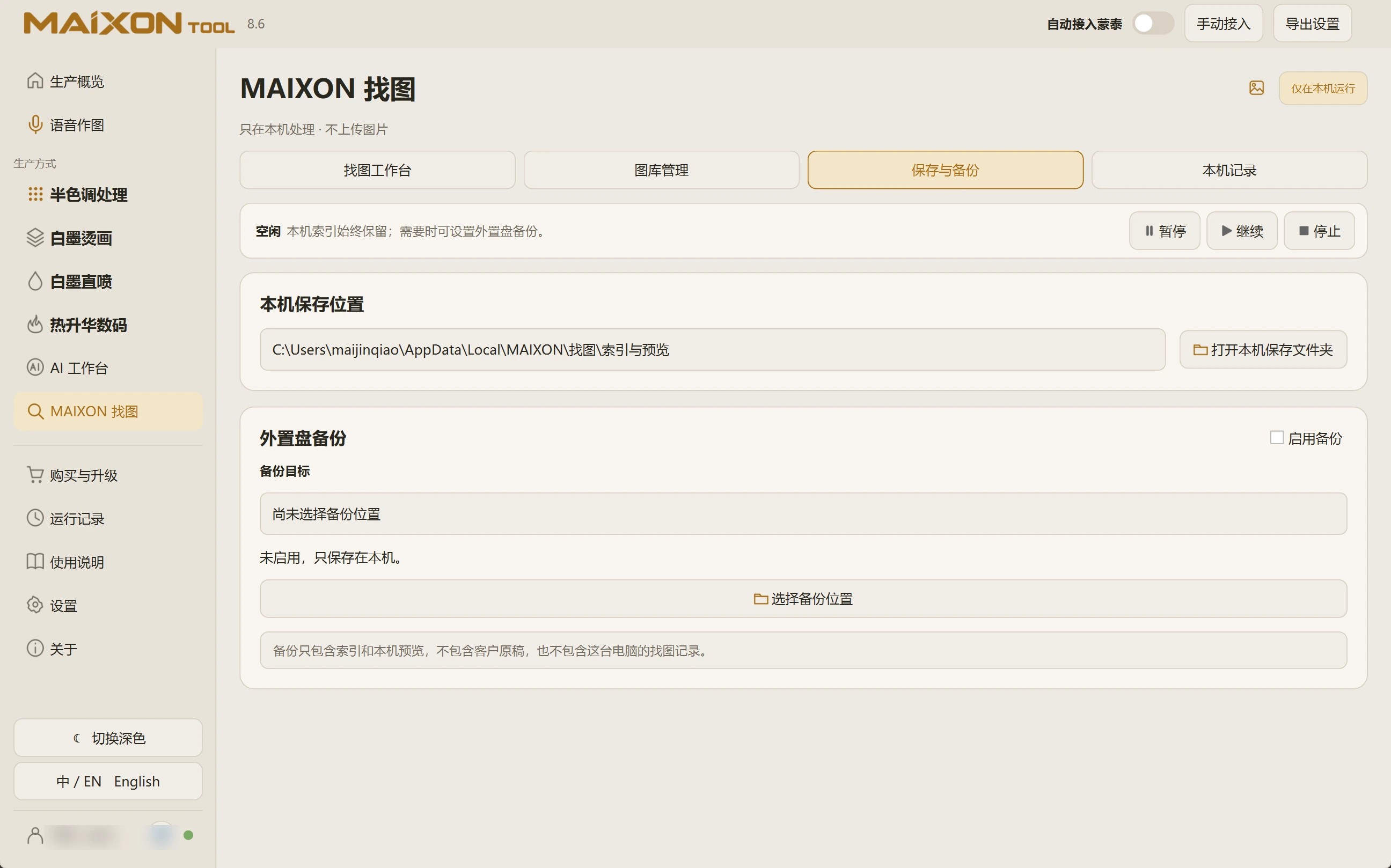
Open Save and Backup to view the index and preview location. Use the folder control to open that directory.
Local search data remains available for everyday use. Original artwork stays in the library folders you manage.
02
Set up an external backup.
Connect the drive, choose a backup location, verify the target and enable backup as needed. Check the displayed state and destination availability.
This backup contains indexes and local previews. It does not contain client originals or this computer's search history; back up important artwork separately.