
01
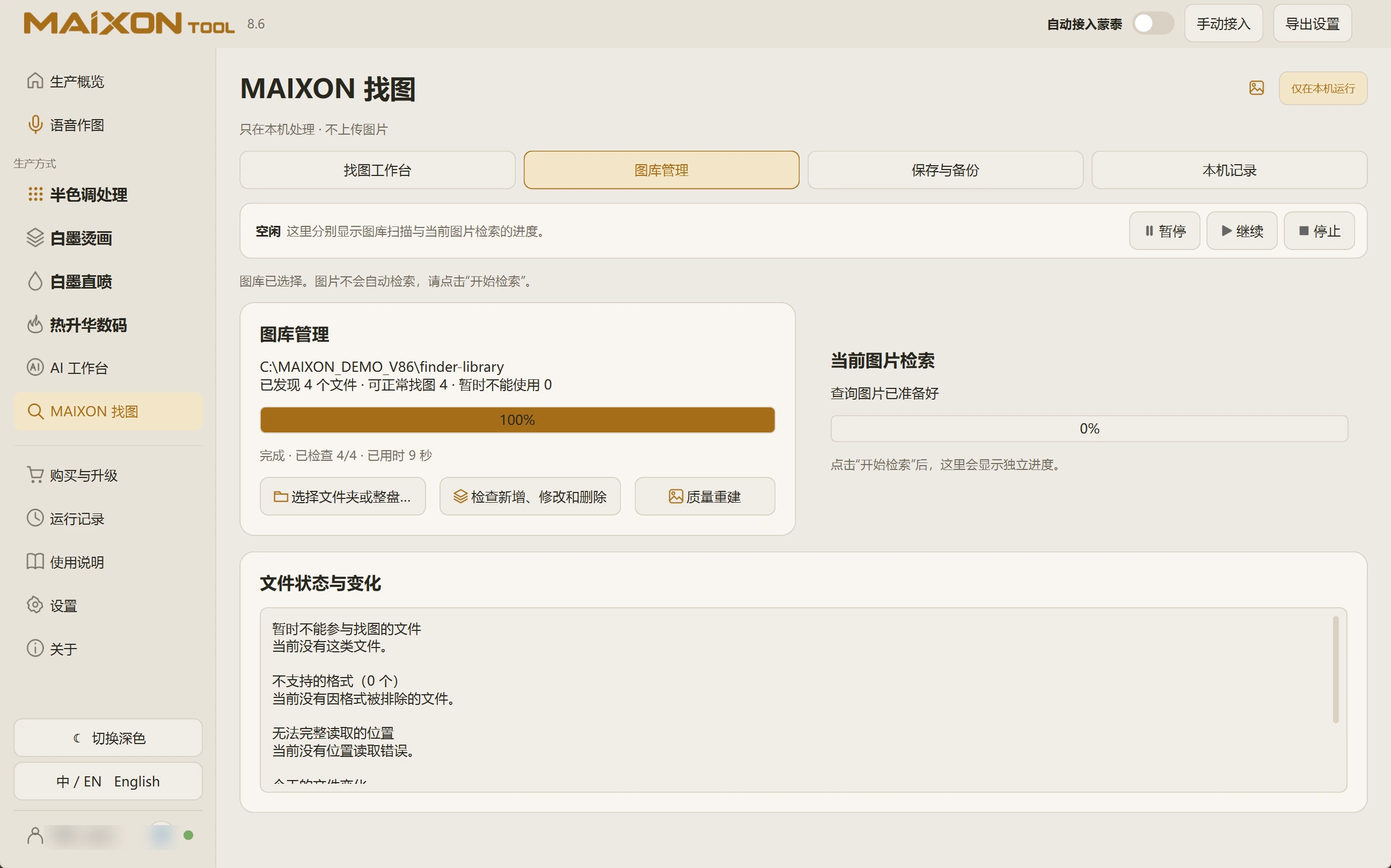
Choose a folder or drive.
Open Library Management and select the folder or drive containing the artwork. Keep external drives connected at an accessible path.
Initial preparation reads the files and builds search data. Time depends on the collection, file sizes and disk performance.
02
Check completion and usable files.
Wait for preparation to finish and inspect usable and currently unreadable file counts. Library preparation and image search have separate progress indicators.
Validate the process with a known reference before expanding the collection. Review file status for items that could not be read.