
01
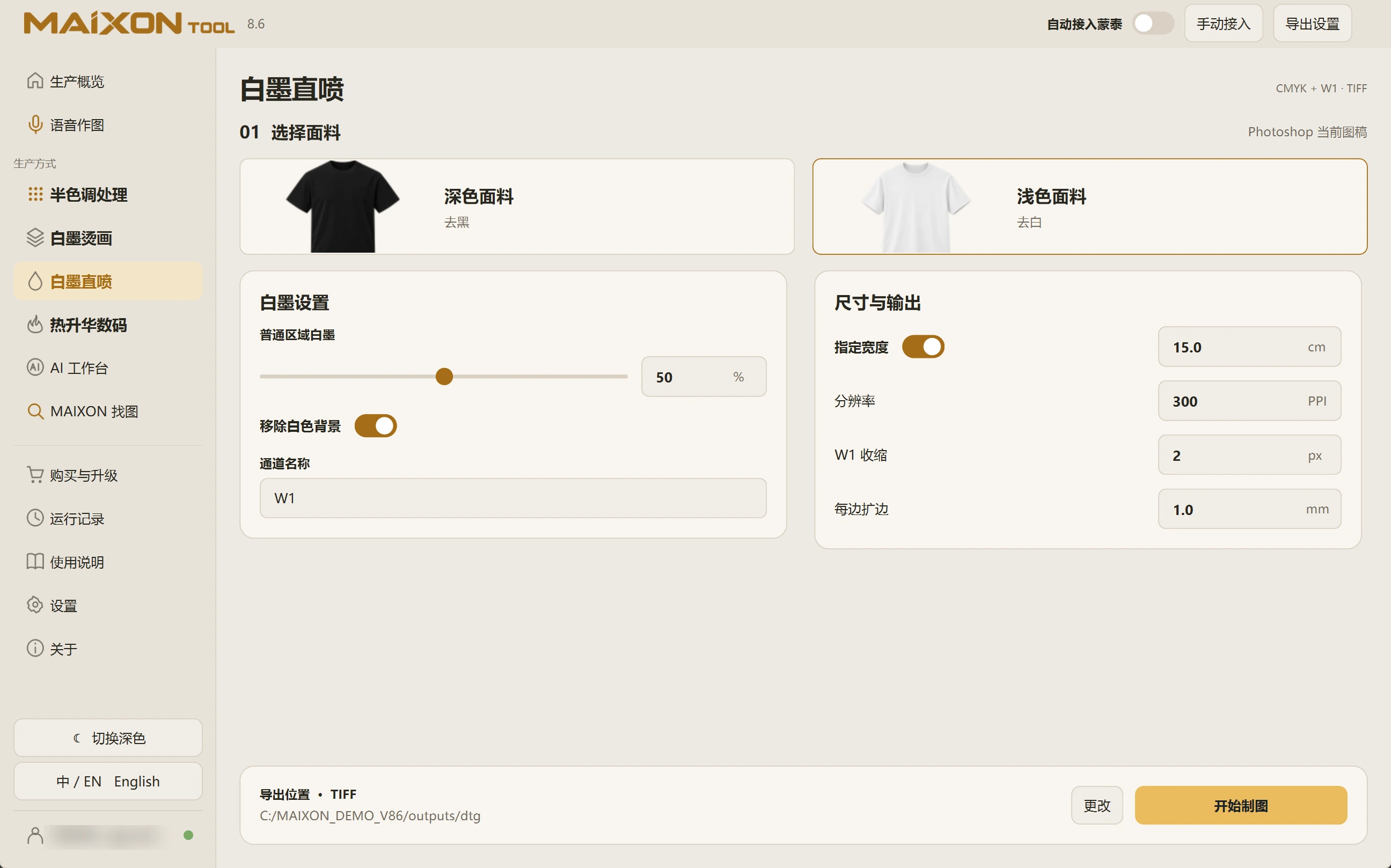
Choose light fabric and check the background.
Select Light Fabric in DTG and review regular-region white ink. Decide whether Remove White Background suits the artwork.
Distinguish a white background from white design details that must remain. Inspect the processed subject and small elements.
02
Set dimensions and channels.
Review the channel name, specified width, resolution, W1 choke and margins. Check the exported color and white layers.
For automatic MainTop integration, review the configuration and confirm the task suits the actual fabric.