
01
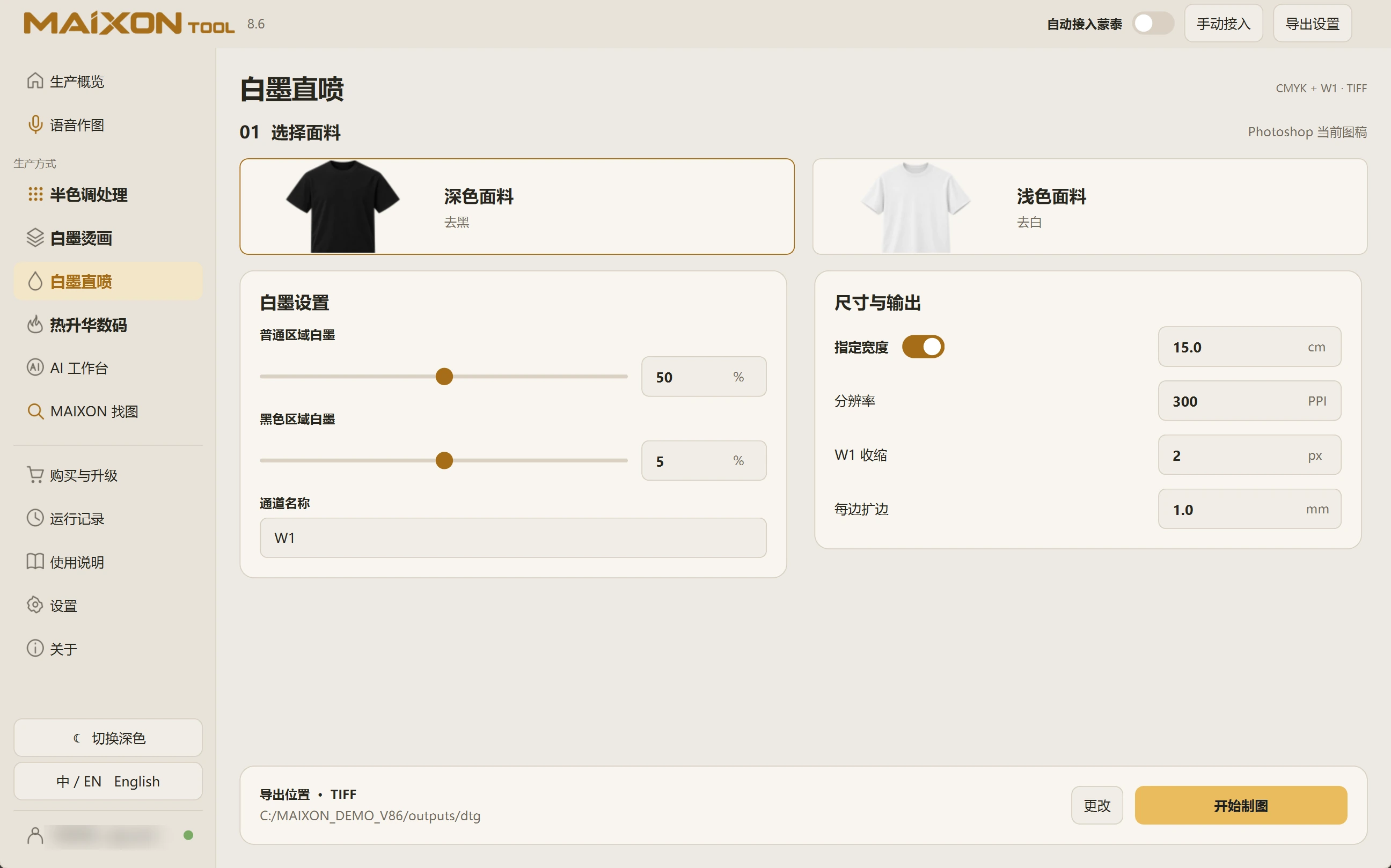
Confirm the current Photoshop image.
Check that the active document belongs to this order. Review width, resolution, white-channel name, choke and each margin.
The channel name should match the RIP workflow. W1 choke uses pixels and margins use millimetres.
02
Generate the file and continue.
Choose an export folder and run preparation. Open the output to inspect dimensions, color artwork and the white channel.
With automatic MainTop integration enabled, inspect the task, output location and RIP result before printing.