
01
Refine the image bounds.
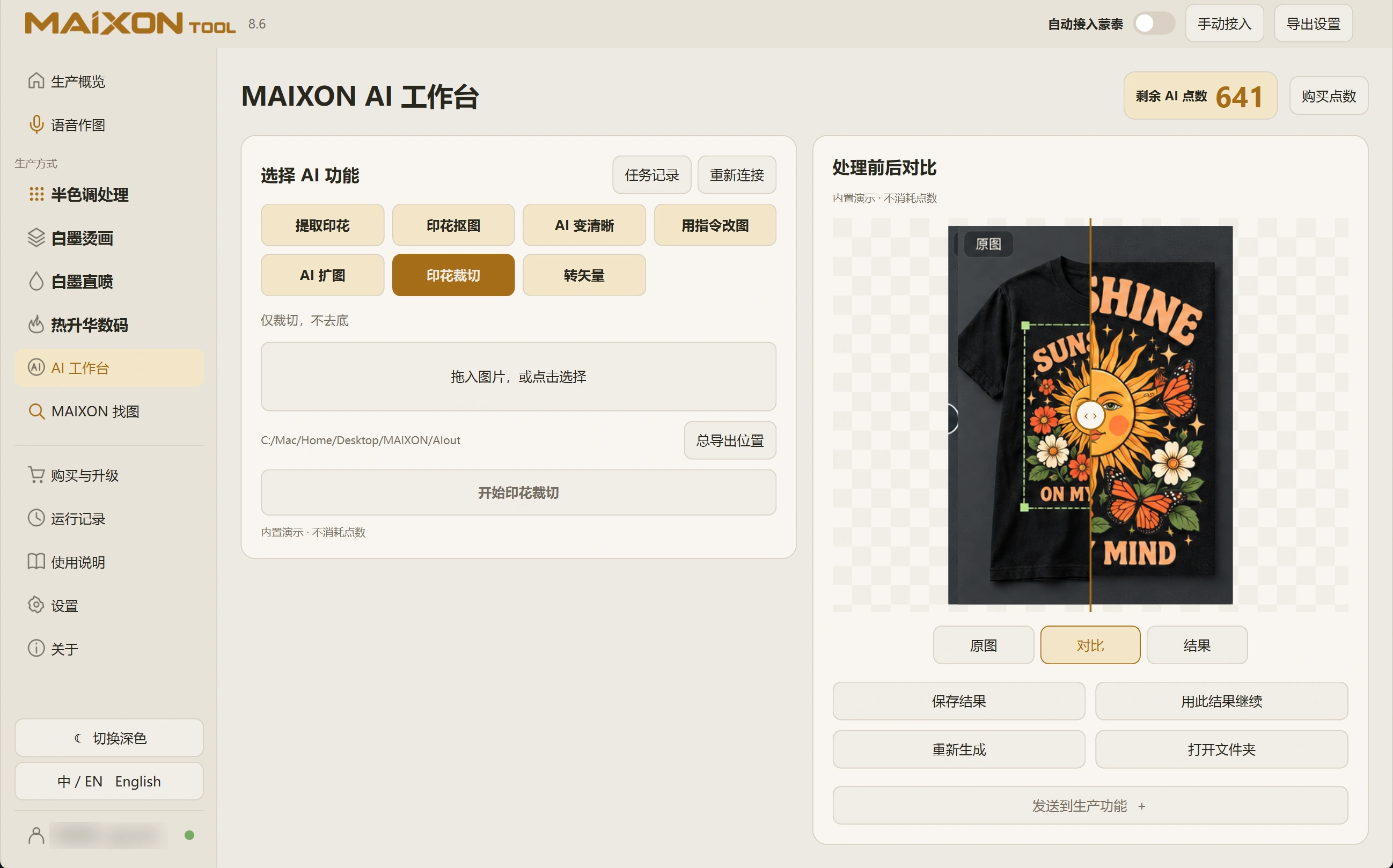
Select Crop Print, import an image and run the task. Cropping organizes its bounds; handle the background separately for the next use.
Inspect every edge to make sure lettering, fine lines and decorative elements have not been cut off.
02
Choose what comes next.
Compare the result with the original for completeness and suitable margins. Save, then continue with background removal, enlargement or production.
When changing tools, confirm the active input so work continues from the approved result.