
01
Decide what should remain.
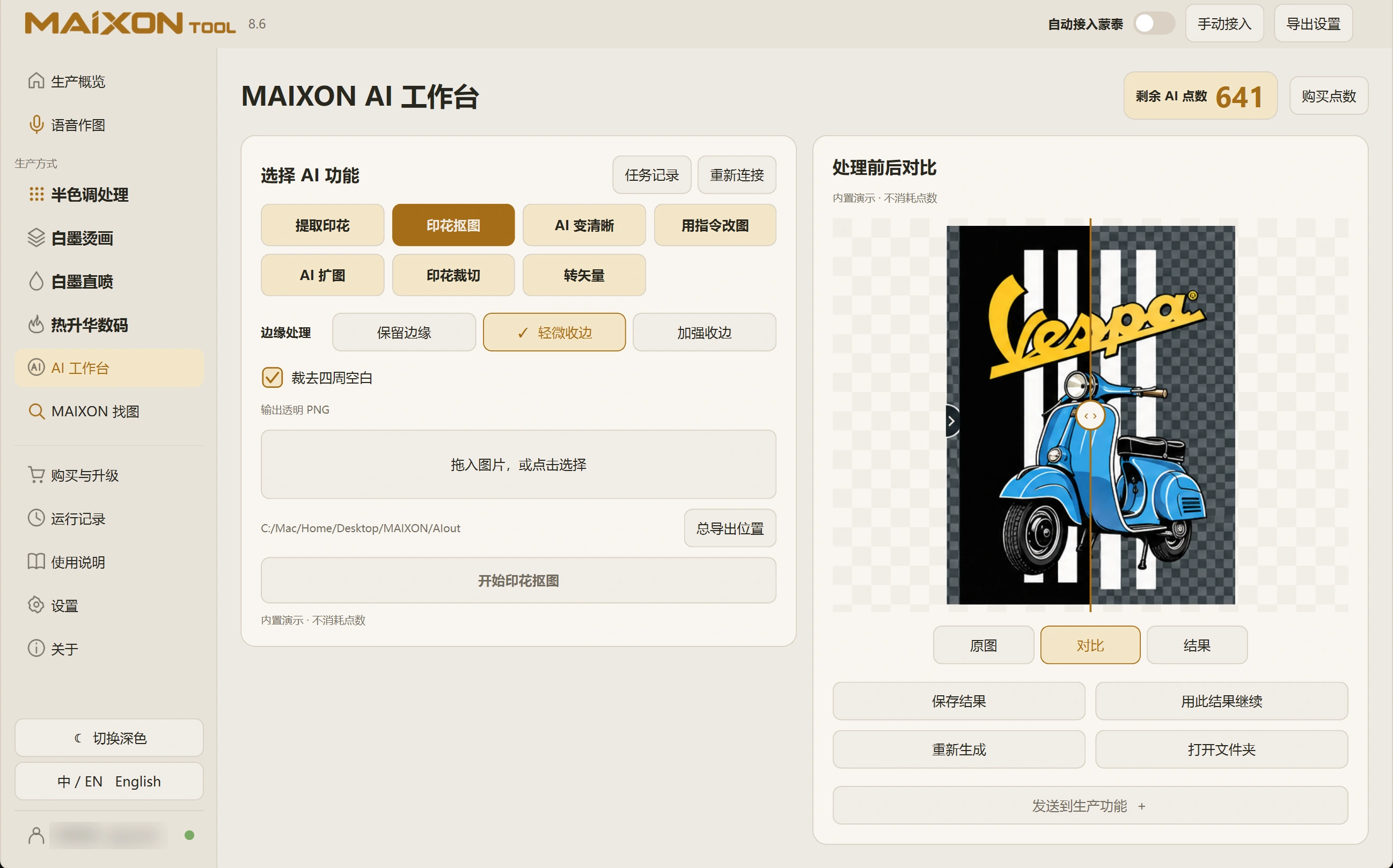
Select Remove Background, import the artwork and review the method and credit cost. Check the subject and white design details that should stay.
Background removal handles transparency. With composition already in place, focus on clearing the background cleanly.
02
Inspect the transparent edges.
Compare hair, fine lines, letter openings and the surrounding edge. Check the saved transparent image against light and dark backgrounds for residue.
Once the print is complete, continue to DTF, DTG or Halftone and review that task's dimensions and channels.