
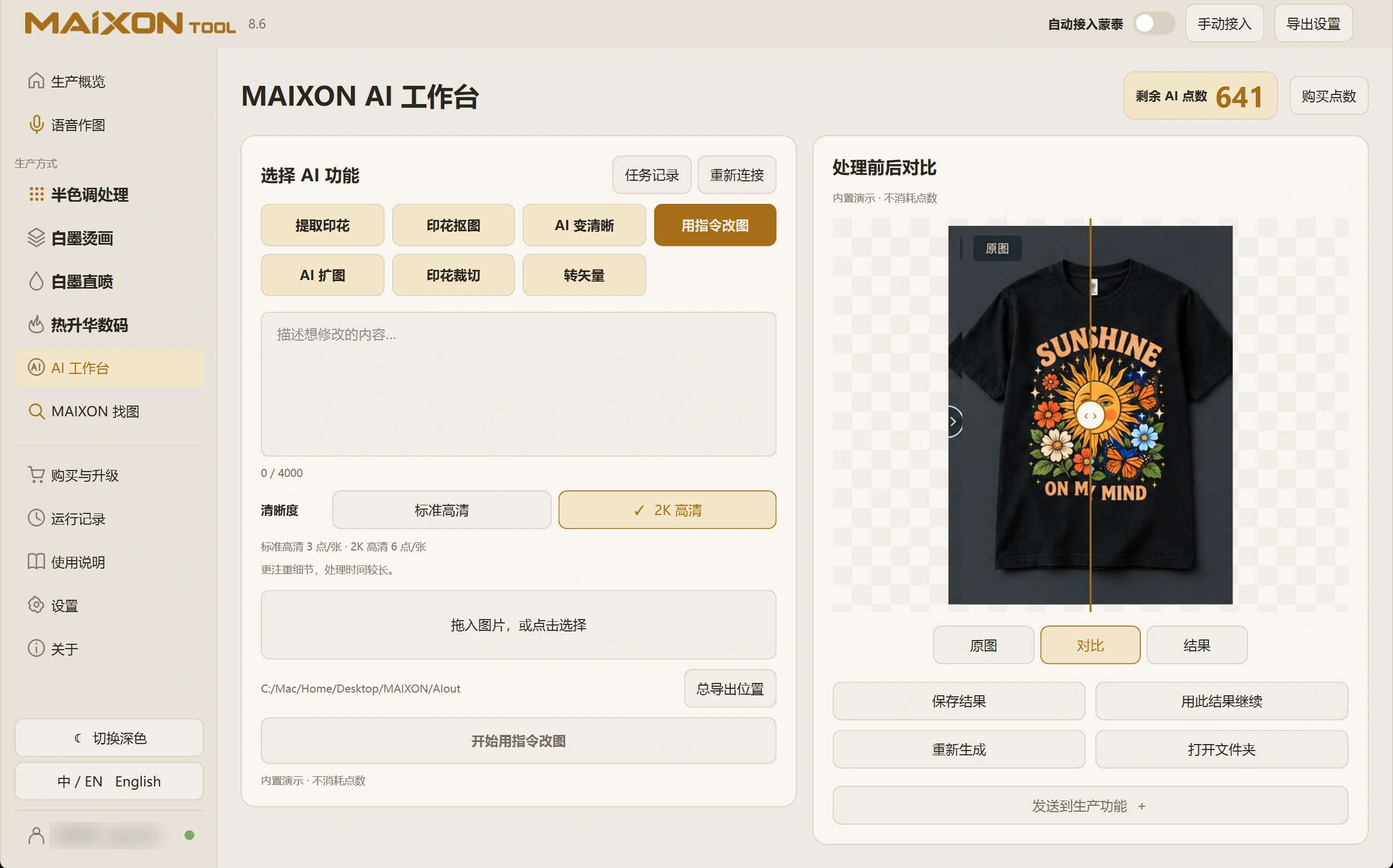
01
Describe changes and preserved content.
Choose Edit with Instructions and load the original. Specify the area and desired change, and name any subject, lettering or composition to retain.
Use changes that are clear and easy to inspect. Work in stages when several edits are needed.
02
Confirm the result before the next step.
Switch between Original, Compare and Result. Inspect both the requested change and the areas that should remain intact.
Save a suitable result before continuing. For another edit, confirm that the active input is the image you intend to use.