
01
Choose the image and method.
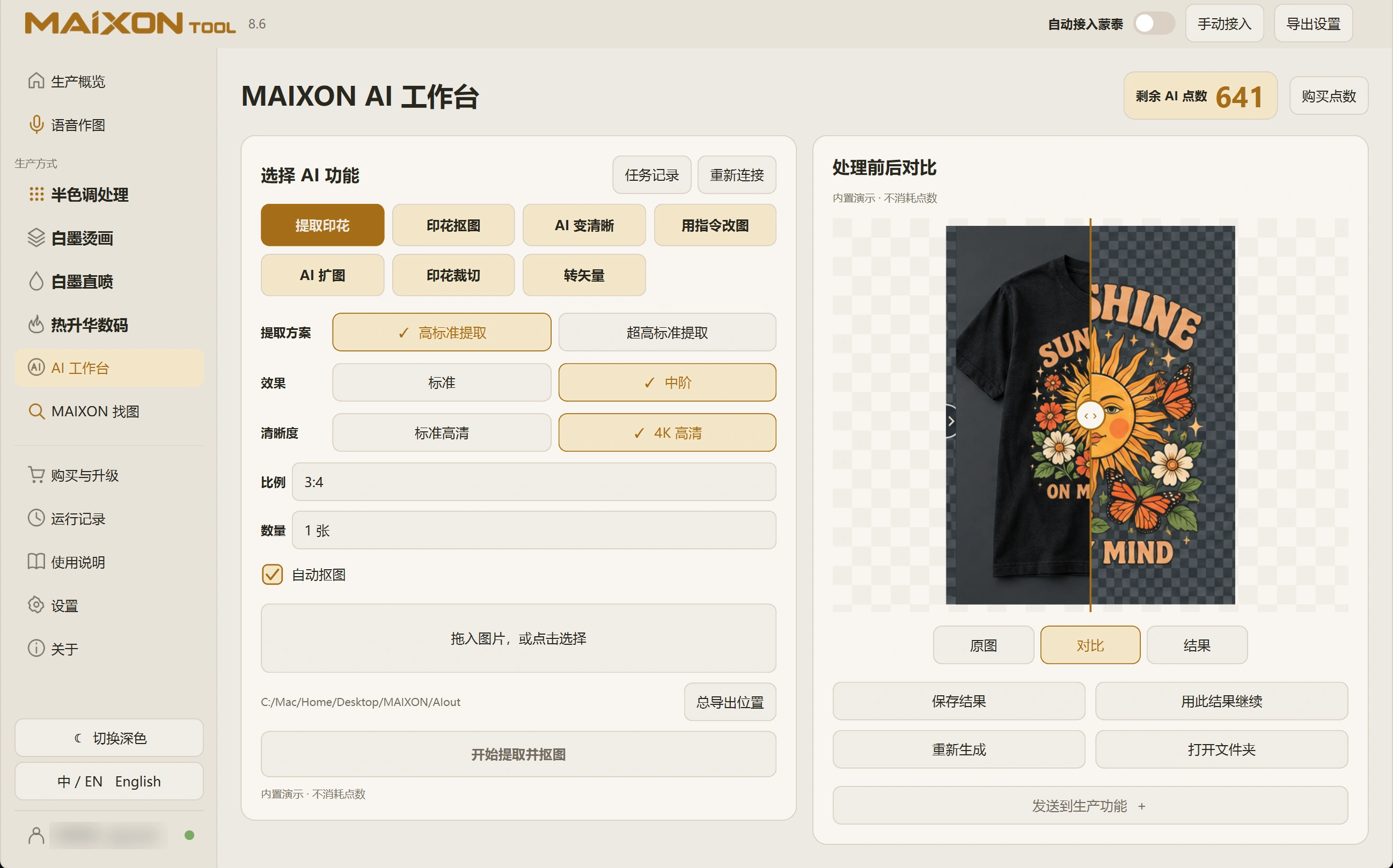
Select Extract Print in the AI Workbench and import a reference. Use a clear, complete view of the intended design with minimal obstruction.
Choose the method and quality for the task. When transparency is needed, review automatic background removal and the displayed credit cost.
02
Compare before continuing.
Switch between Original, Compare and Result. Move the divider to inspect lettering, outlines and details that should remain.
Save the result or continue with it. Set physical dimensions and white ink separately when moving into production.